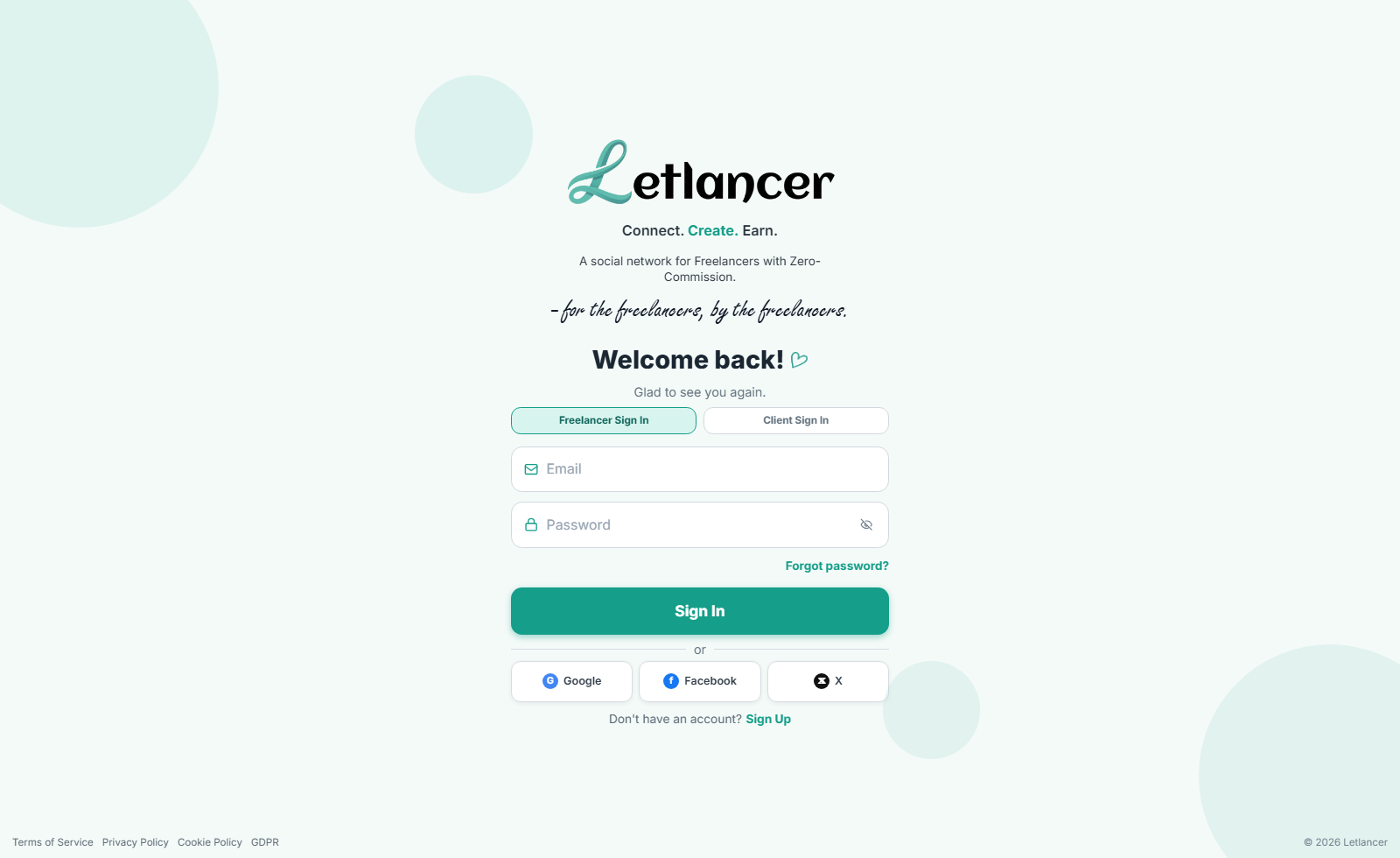
Route: #signin
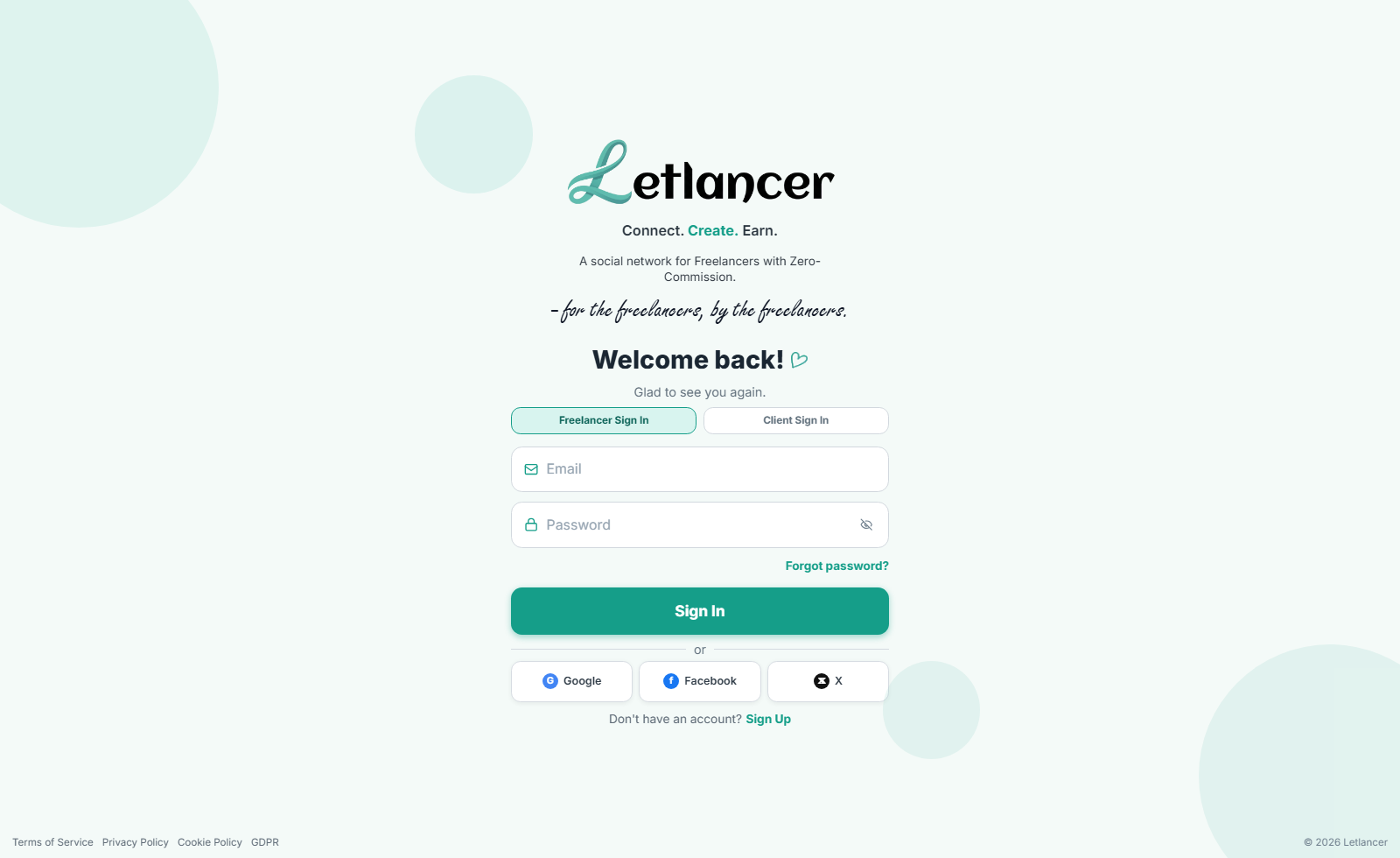
Client sign in
Access the client dashboard and open feed workflows.
- Open #signin and choose Client Sign In.
- Enter email and password.
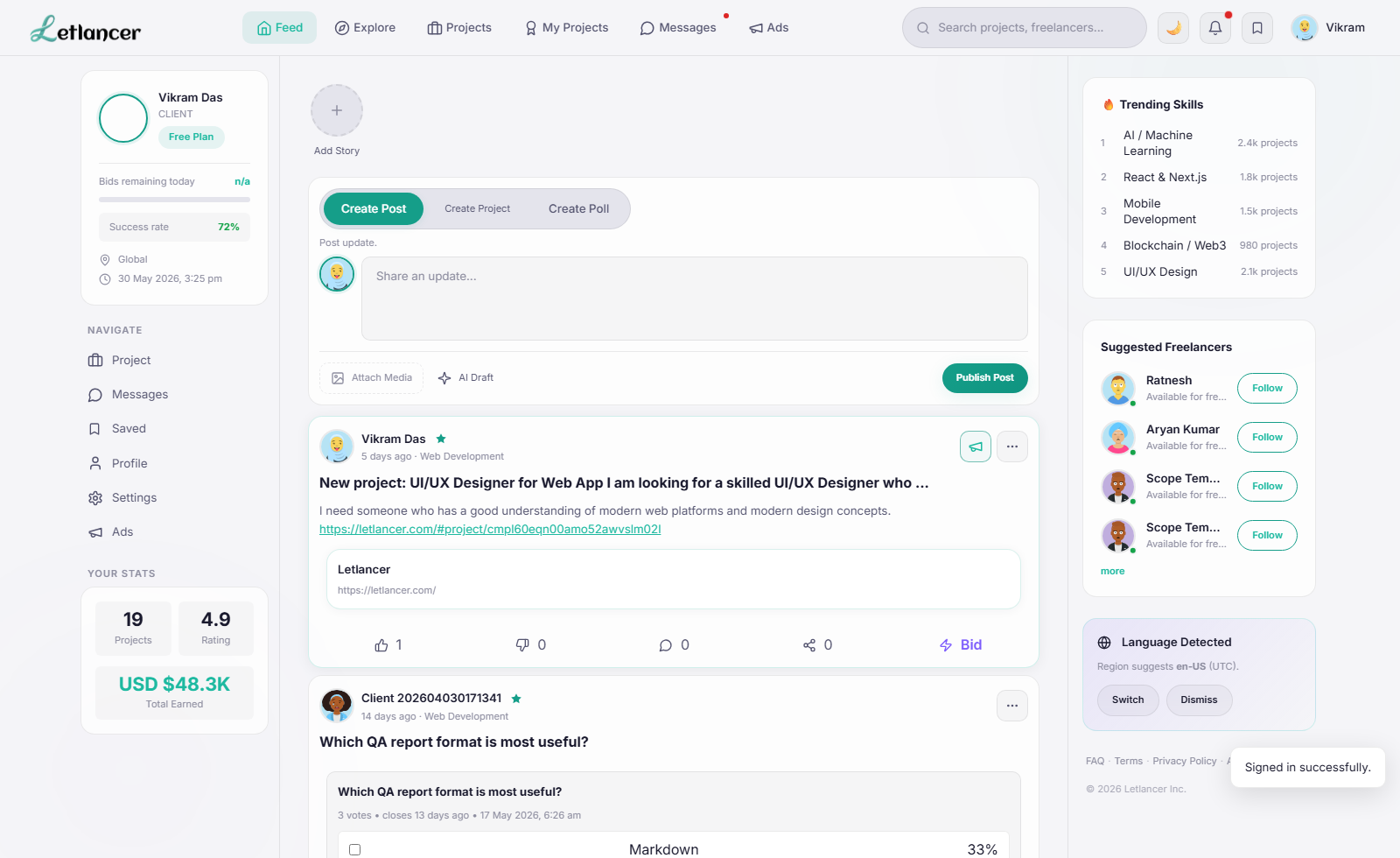
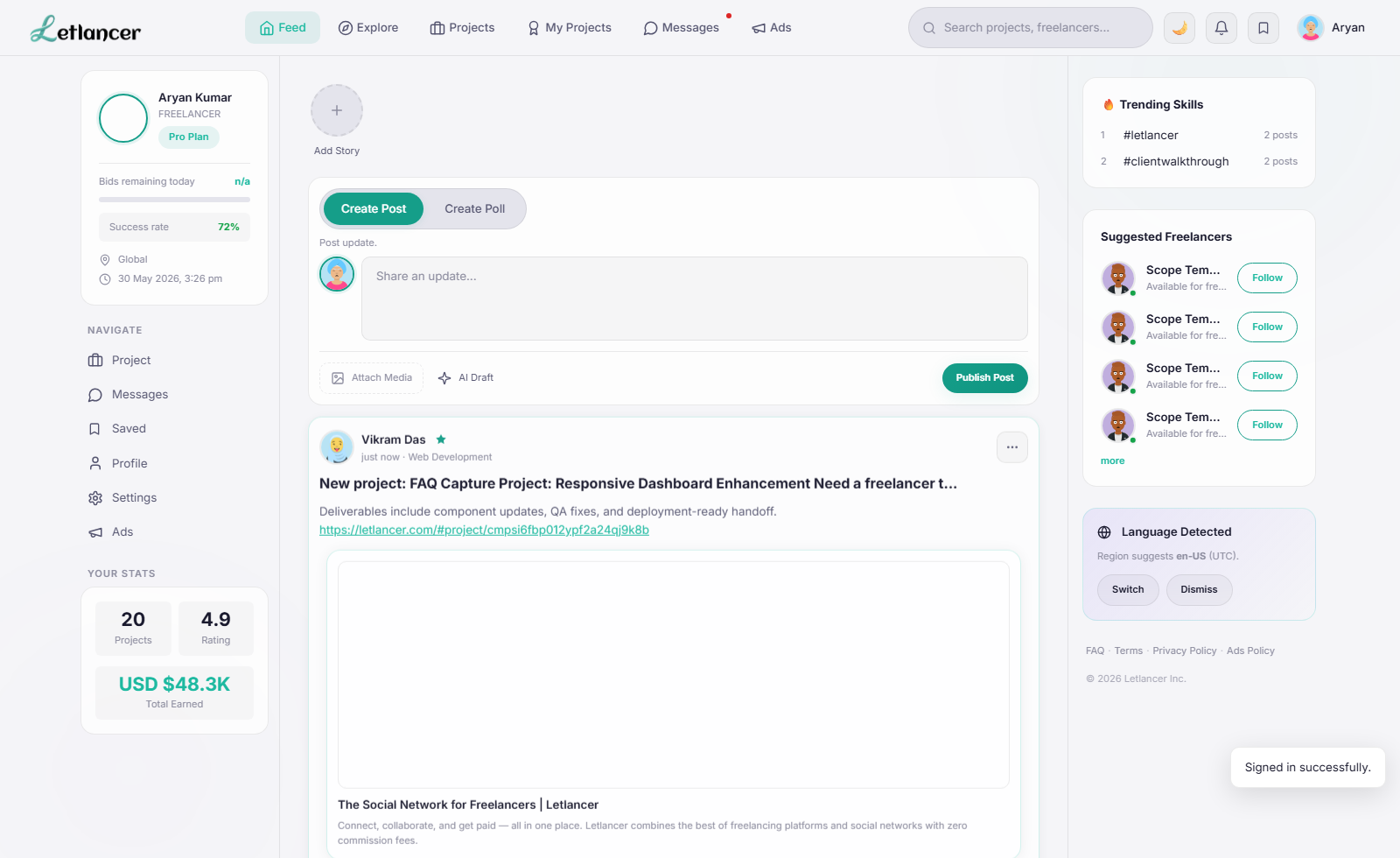
- Click Sign In and confirm redirect to #feed.
Live Beta Playbook
Step-by-step walkthrough for client and freelancer workflows, validated on beta capture runs dated 30 May 2026.
Verified login entry points for both account roles.
Route: #signin
Access the client dashboard and open feed workflows.
Route: #signin
Access freelancer discovery and bidding workflows.
Create content, manage profile, publish projects, and run support/account flows.
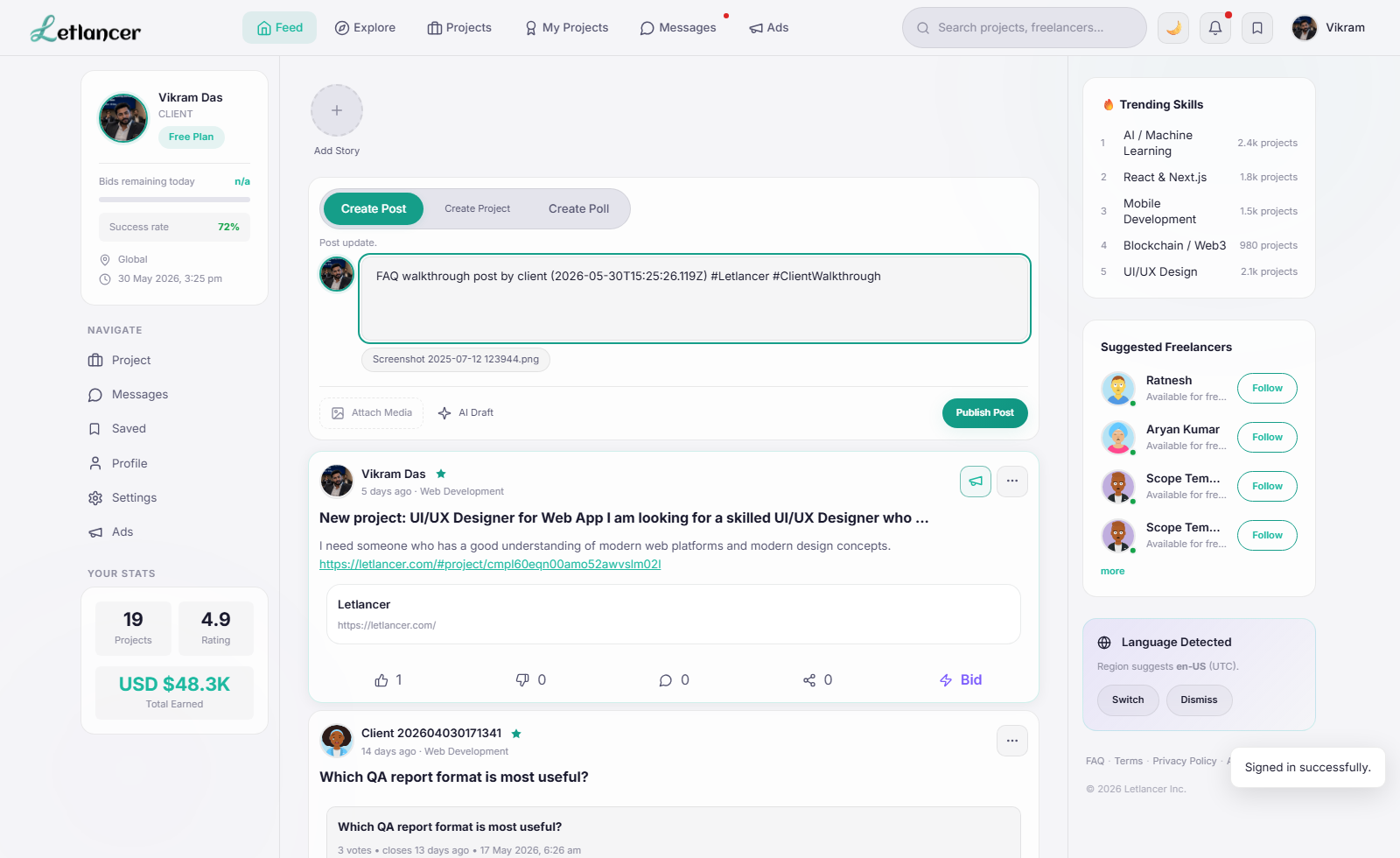
Route: #feed
Publish text/media updates to the feed.
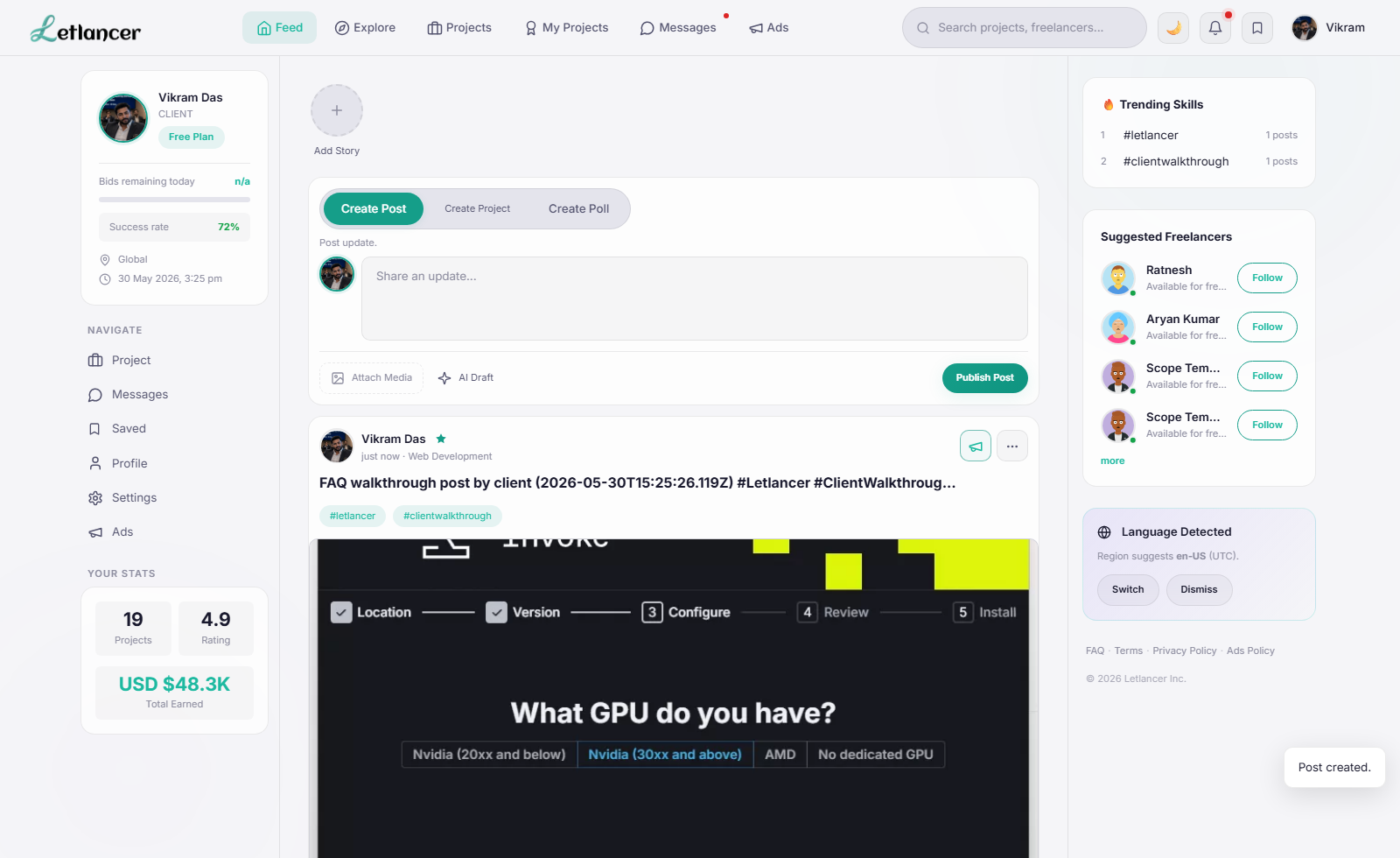
Route: #feed
Publish temporary story content for profile visibility.
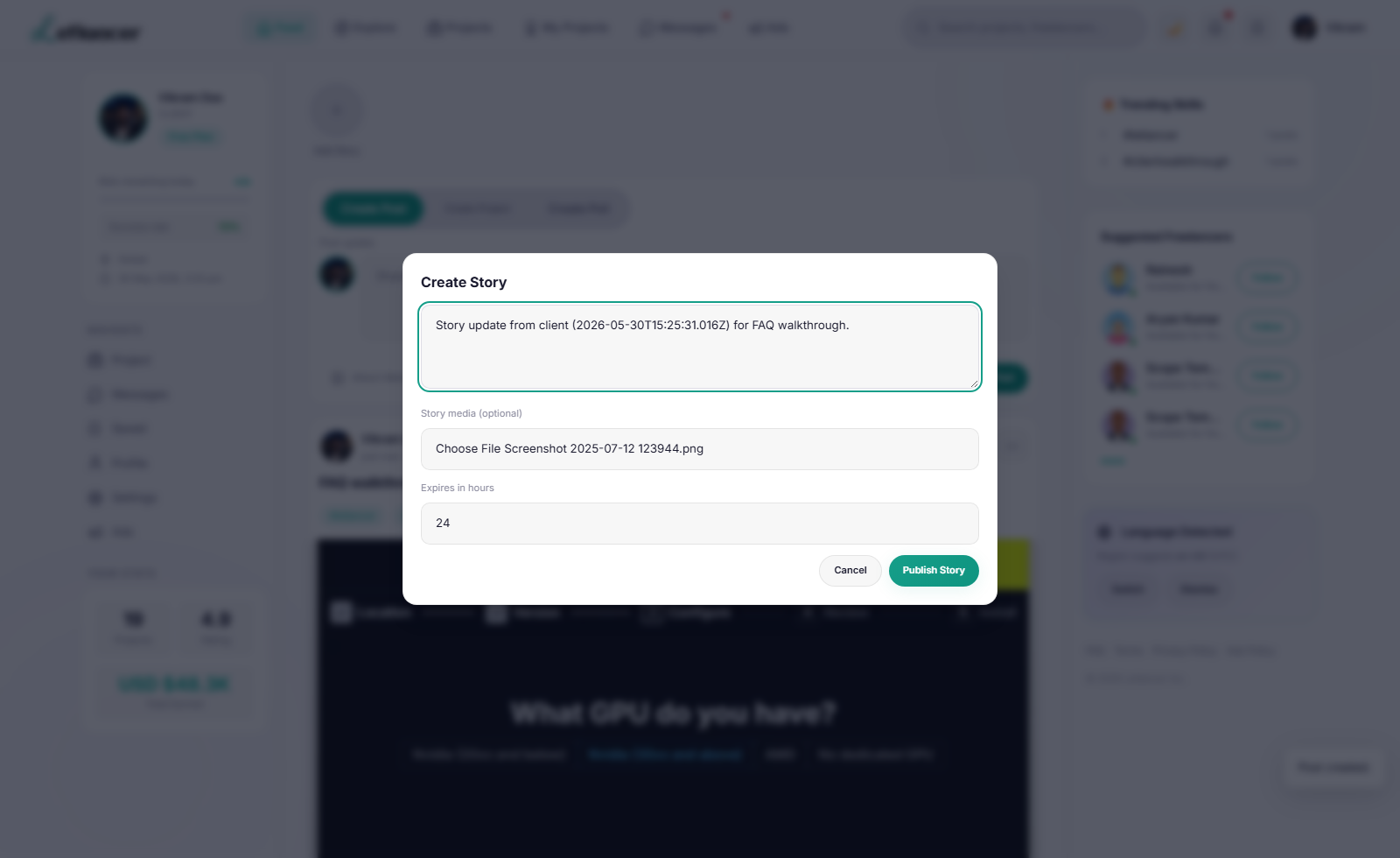
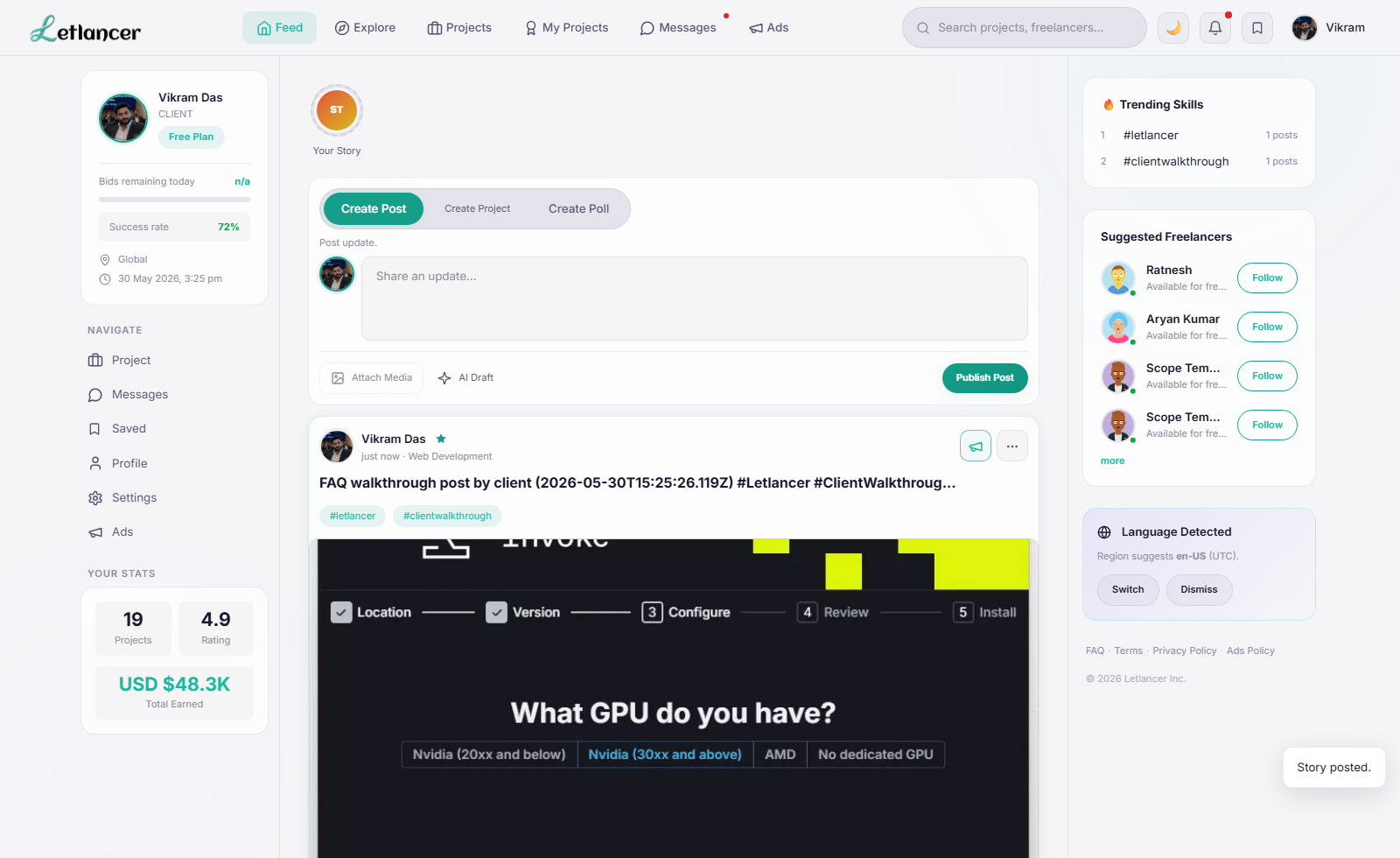
Route: #feed
Share to feed or conversations from the share sheet.
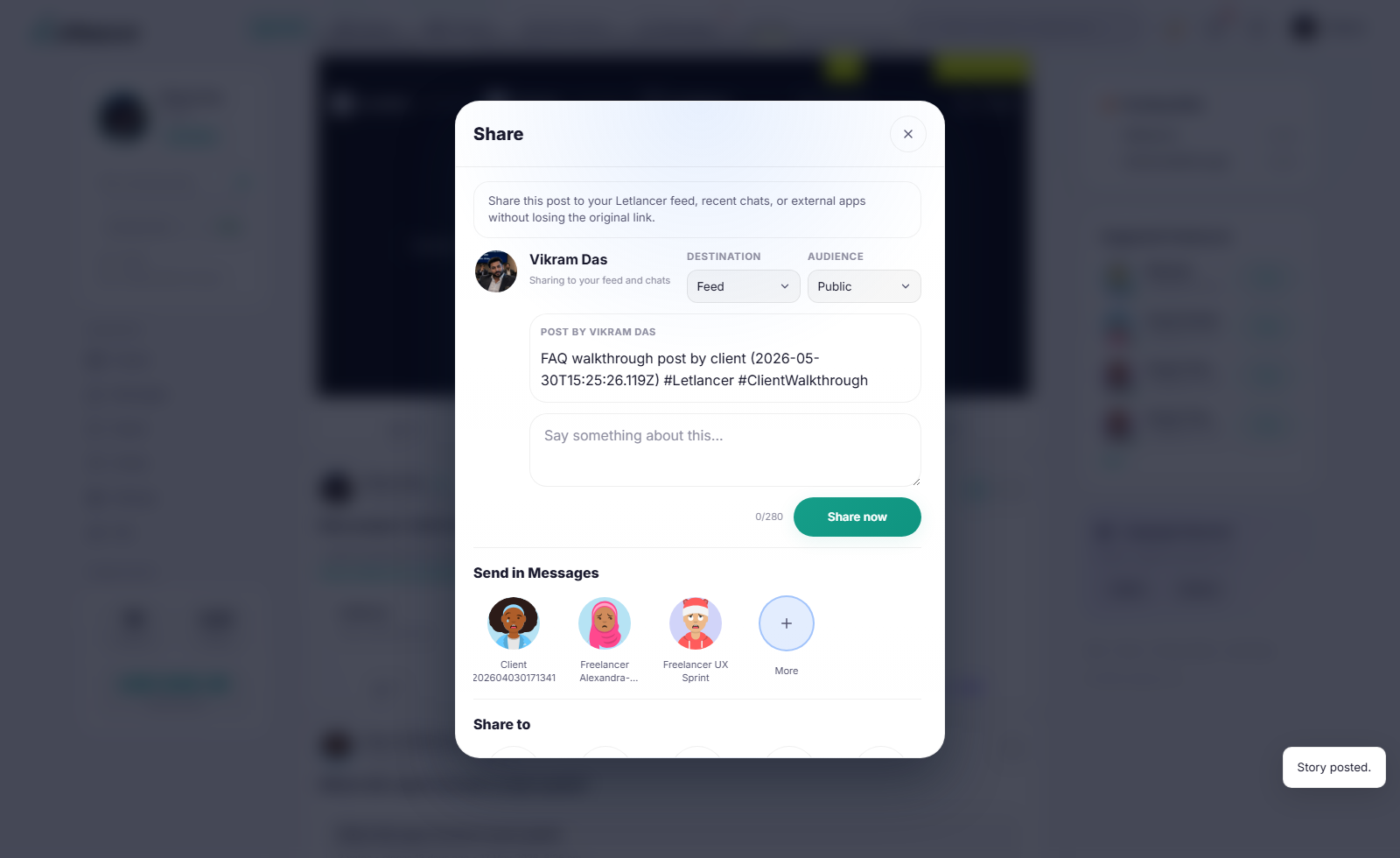
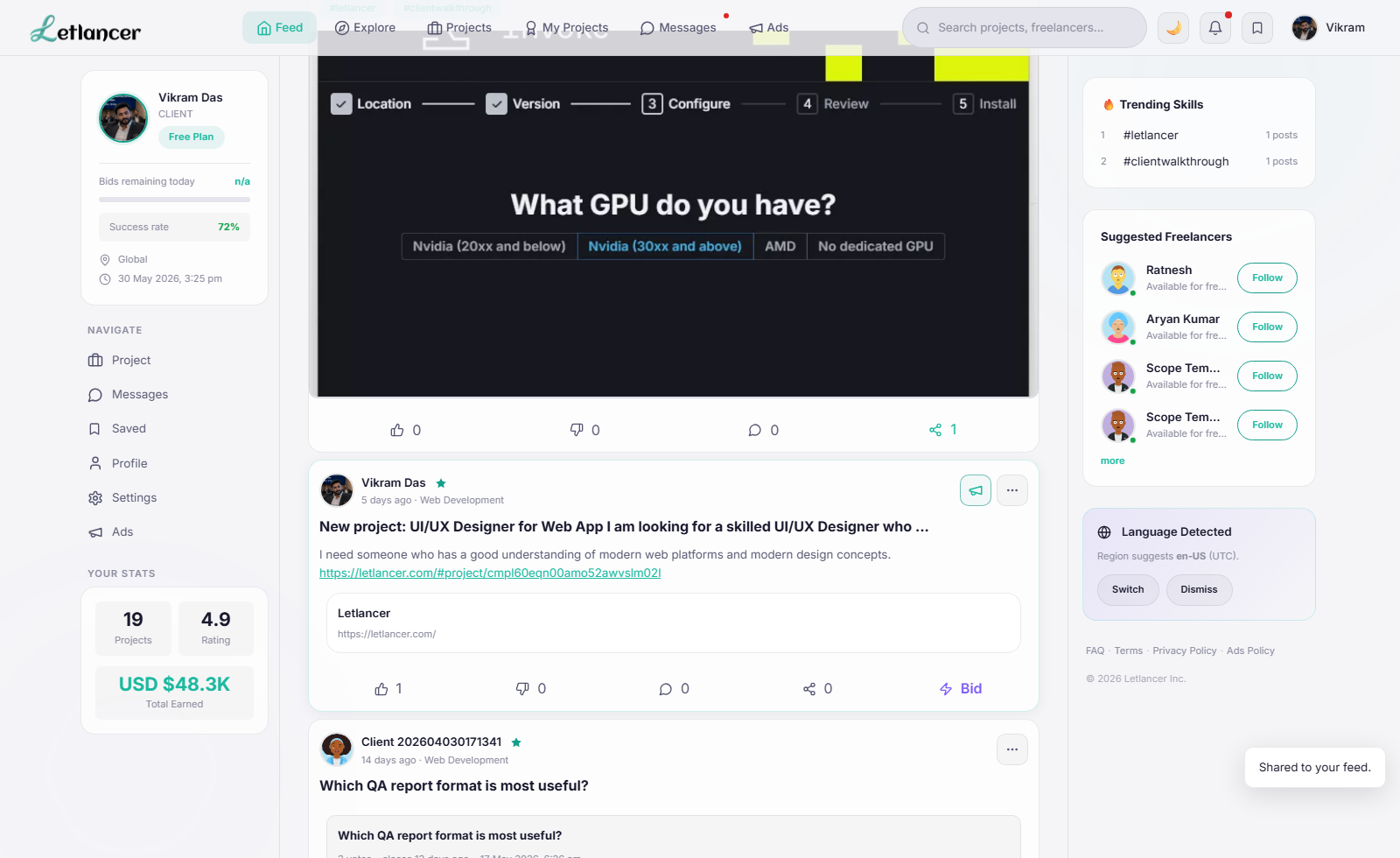
Route: #profile
Update profile visuals and privacy preferences.
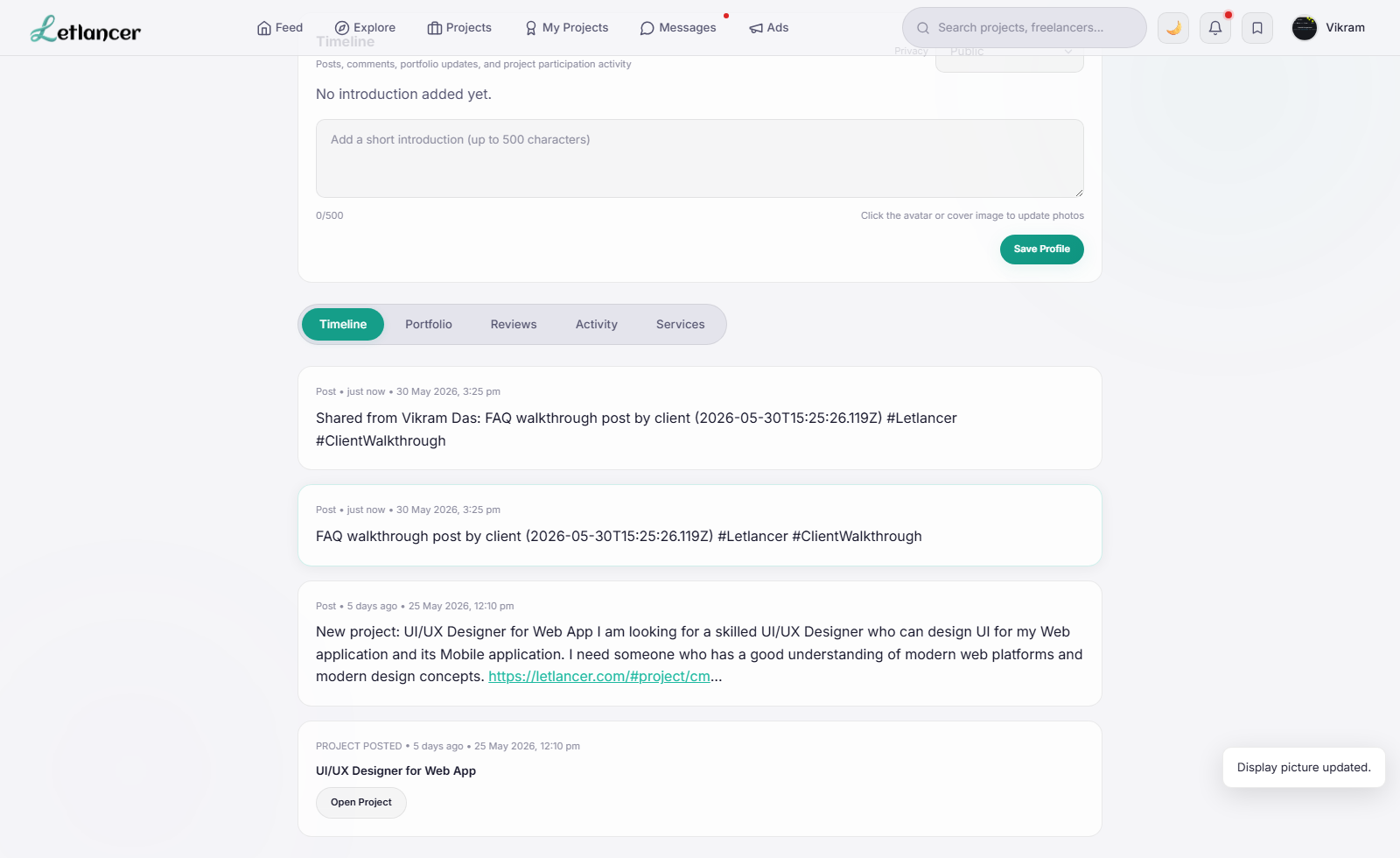
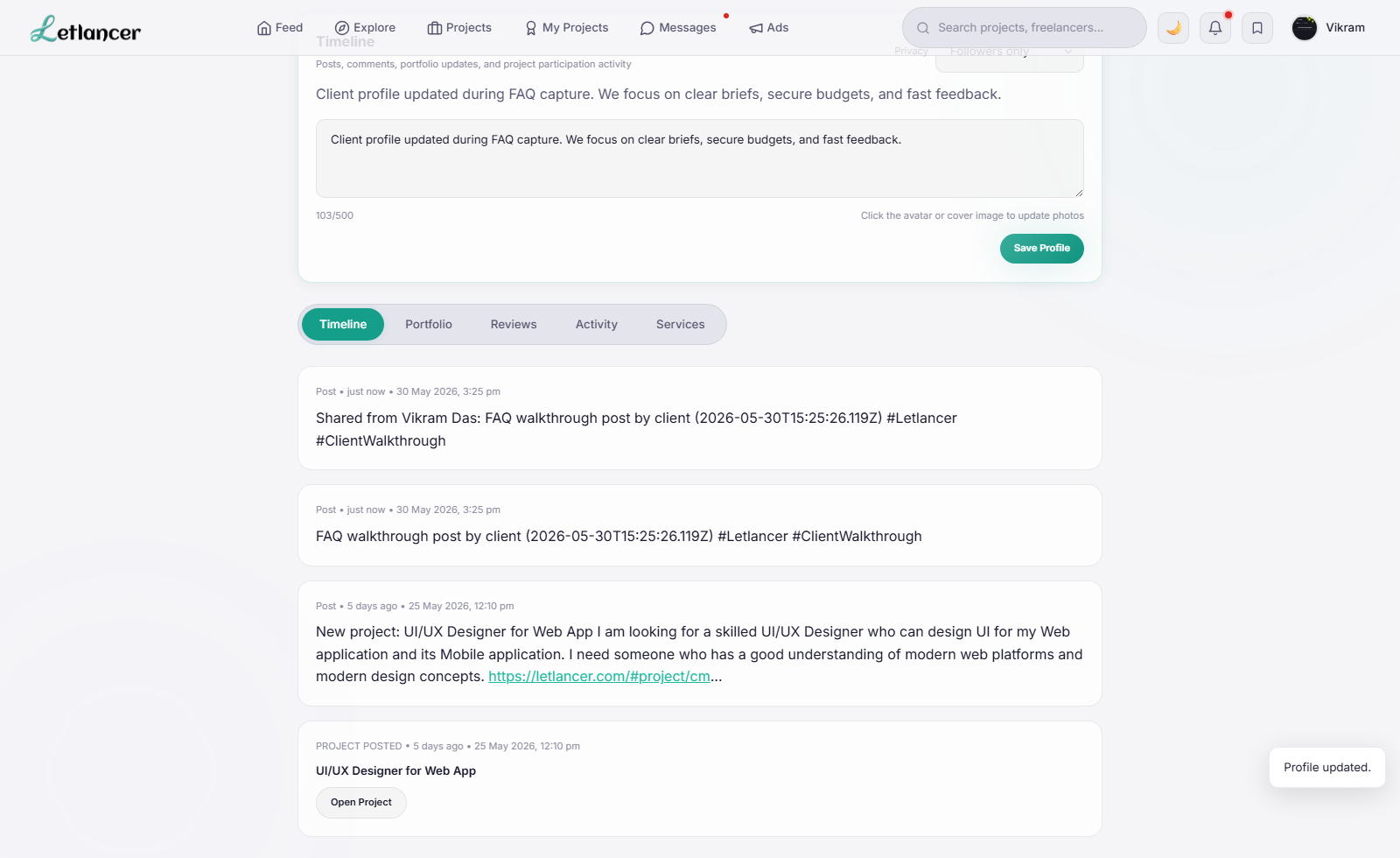
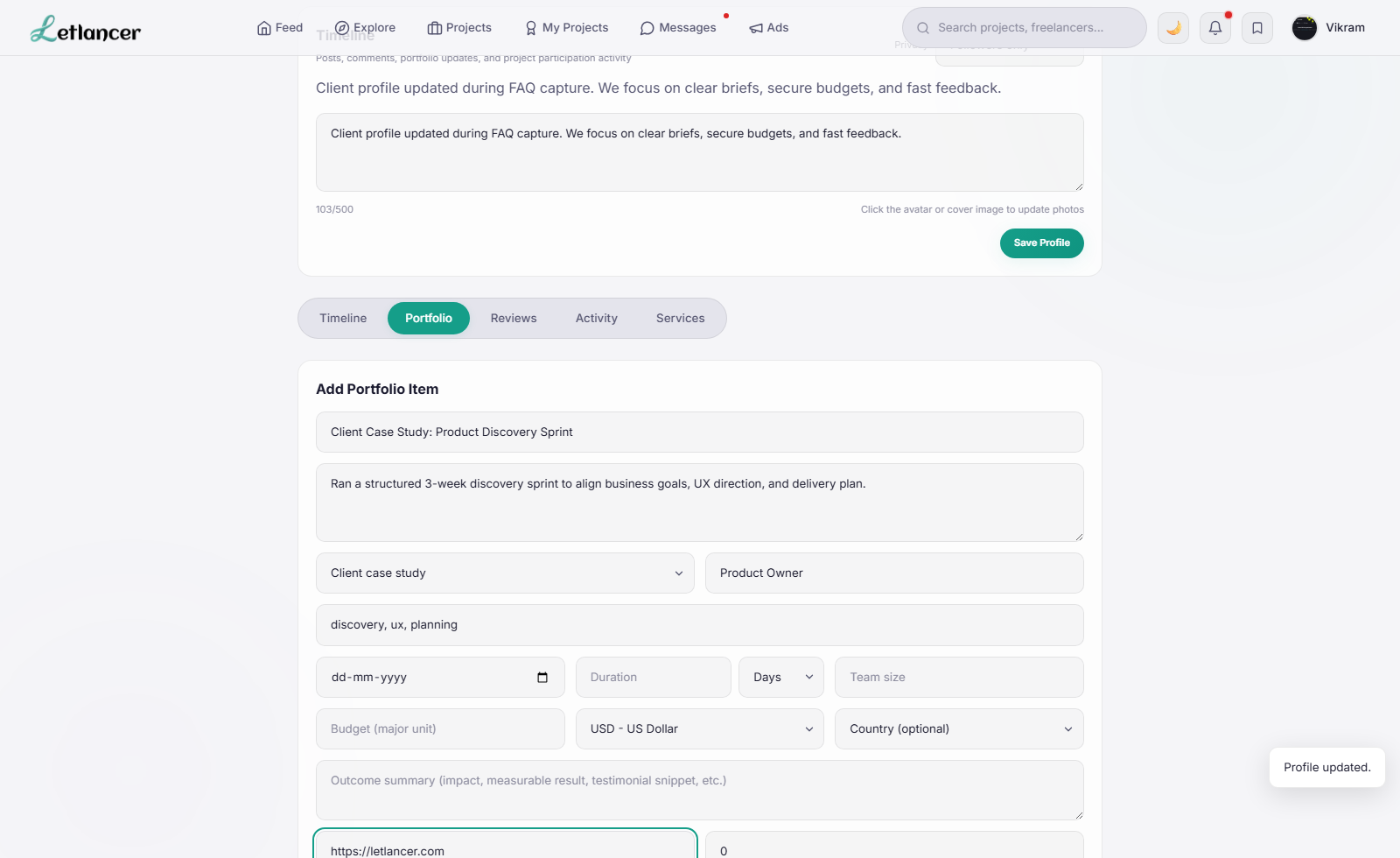
Route: #profile
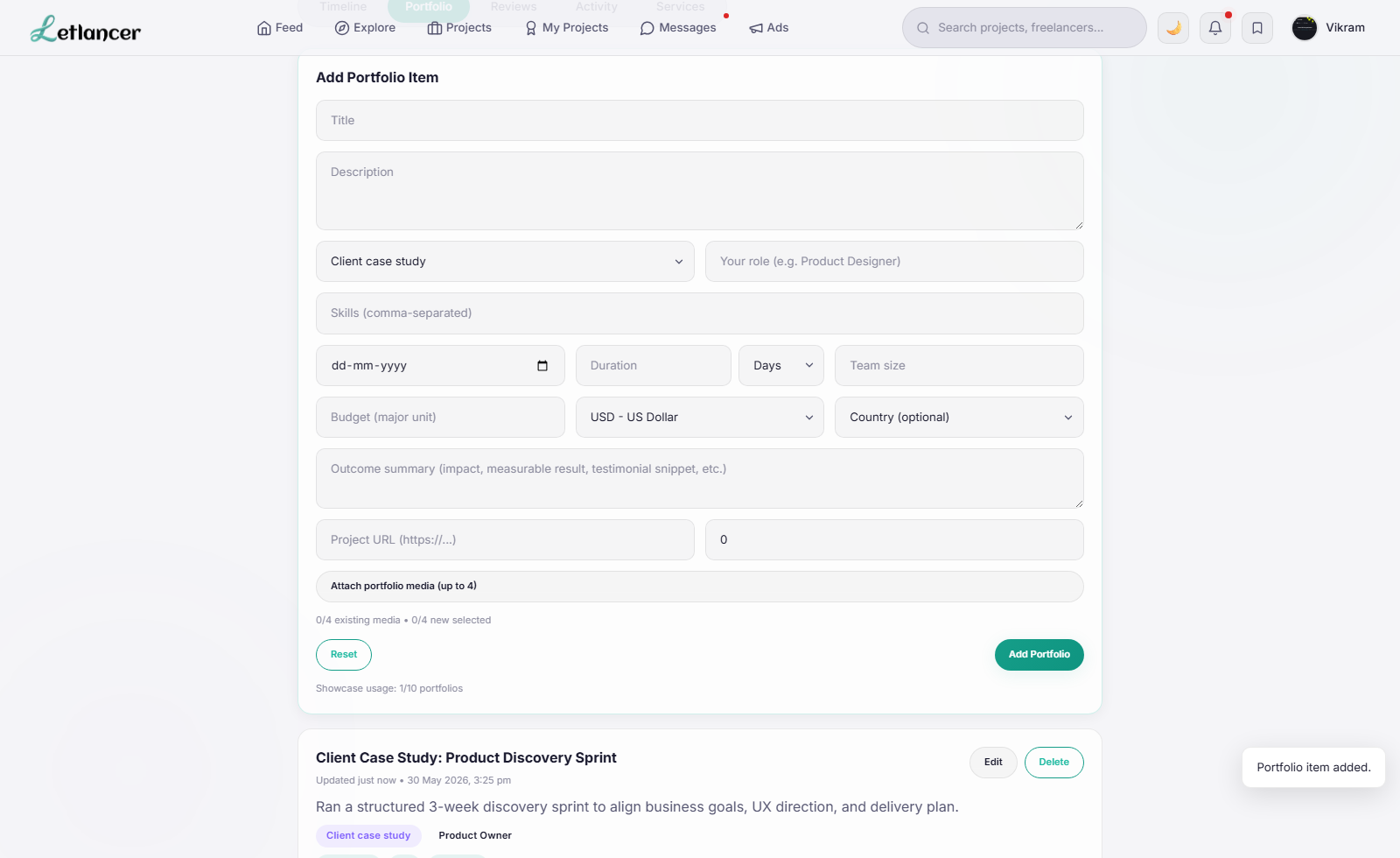
Showcase completed work with metadata and media.
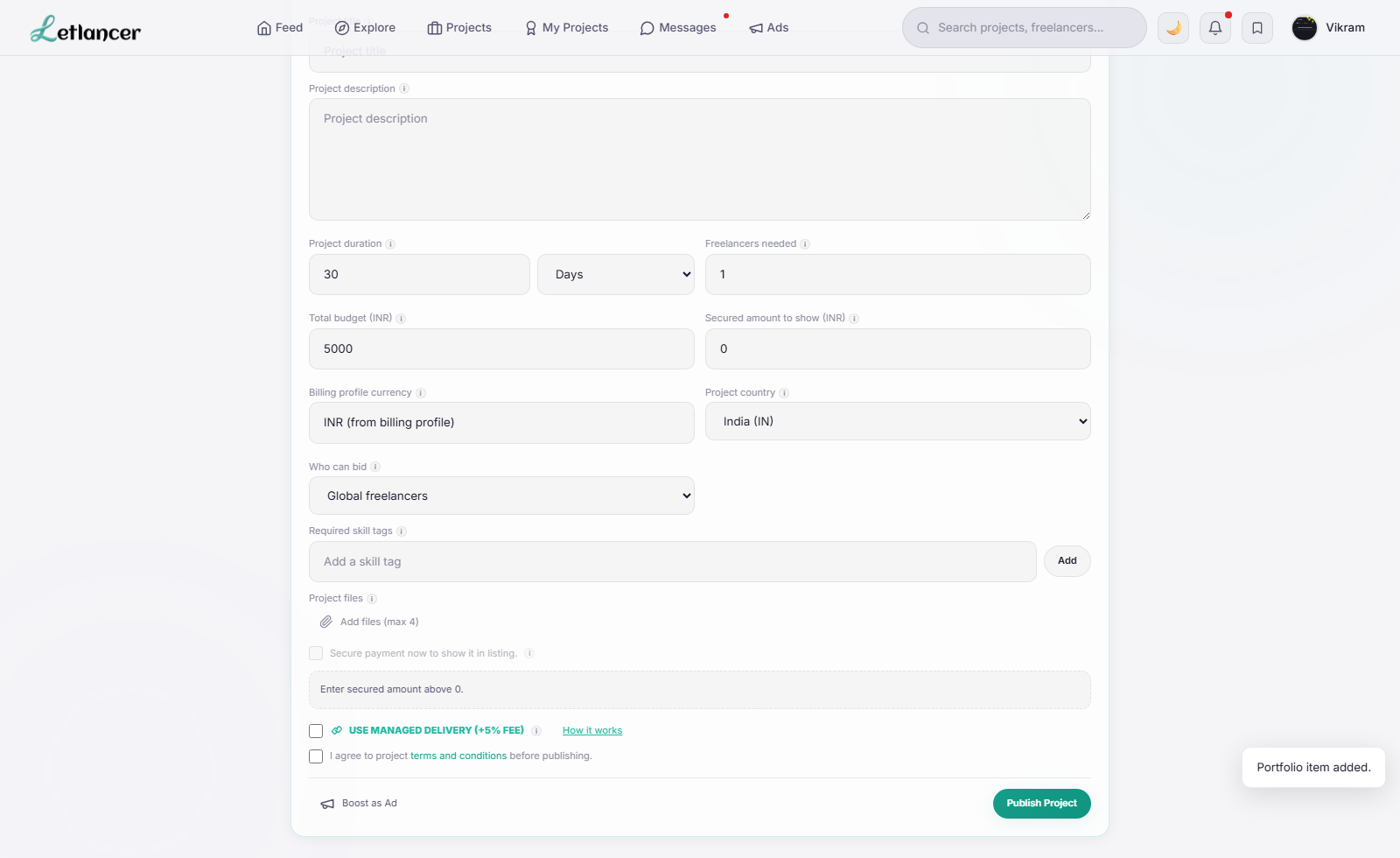
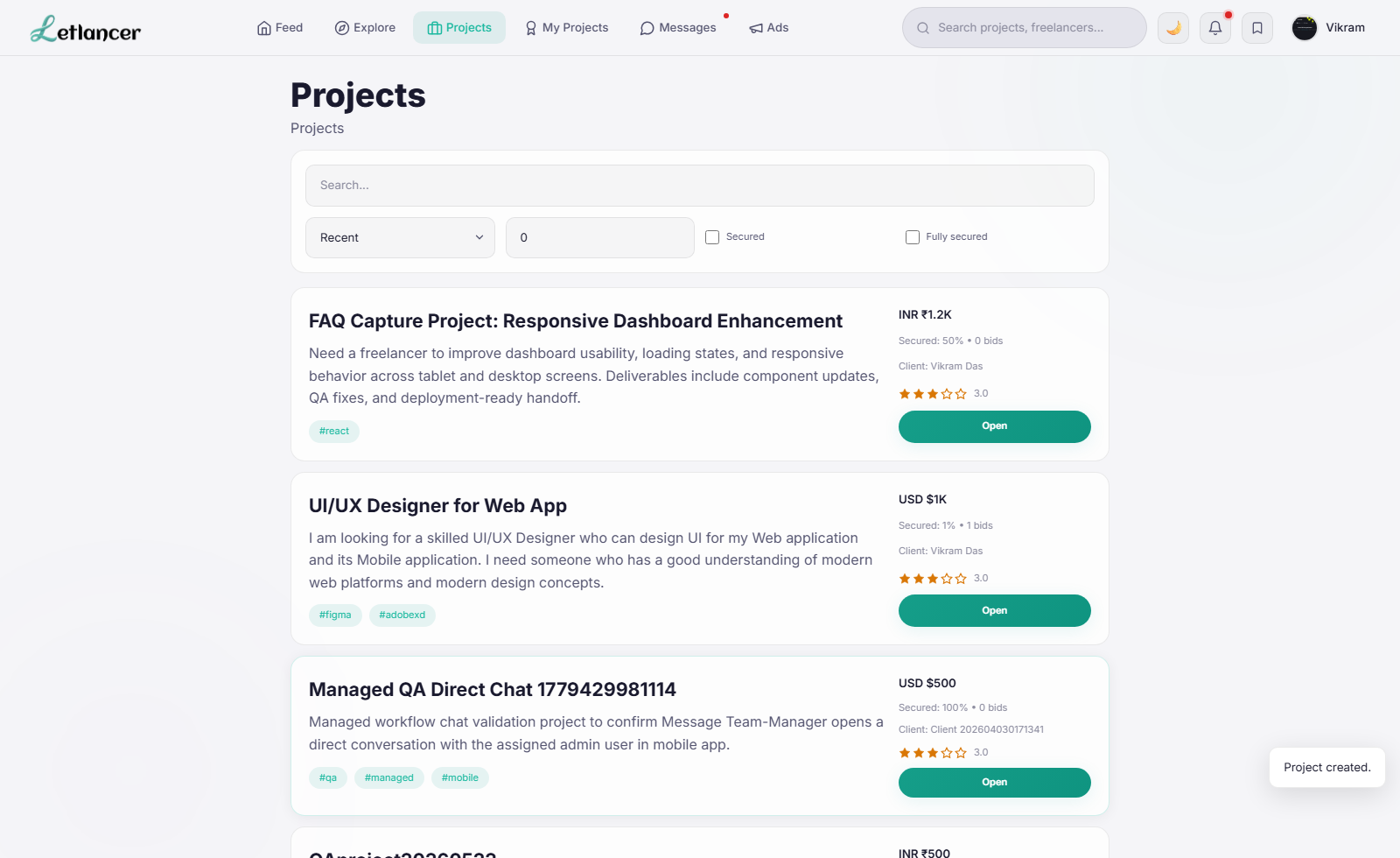
Route: #create-project
Publish client requirements for freelancer proposals.
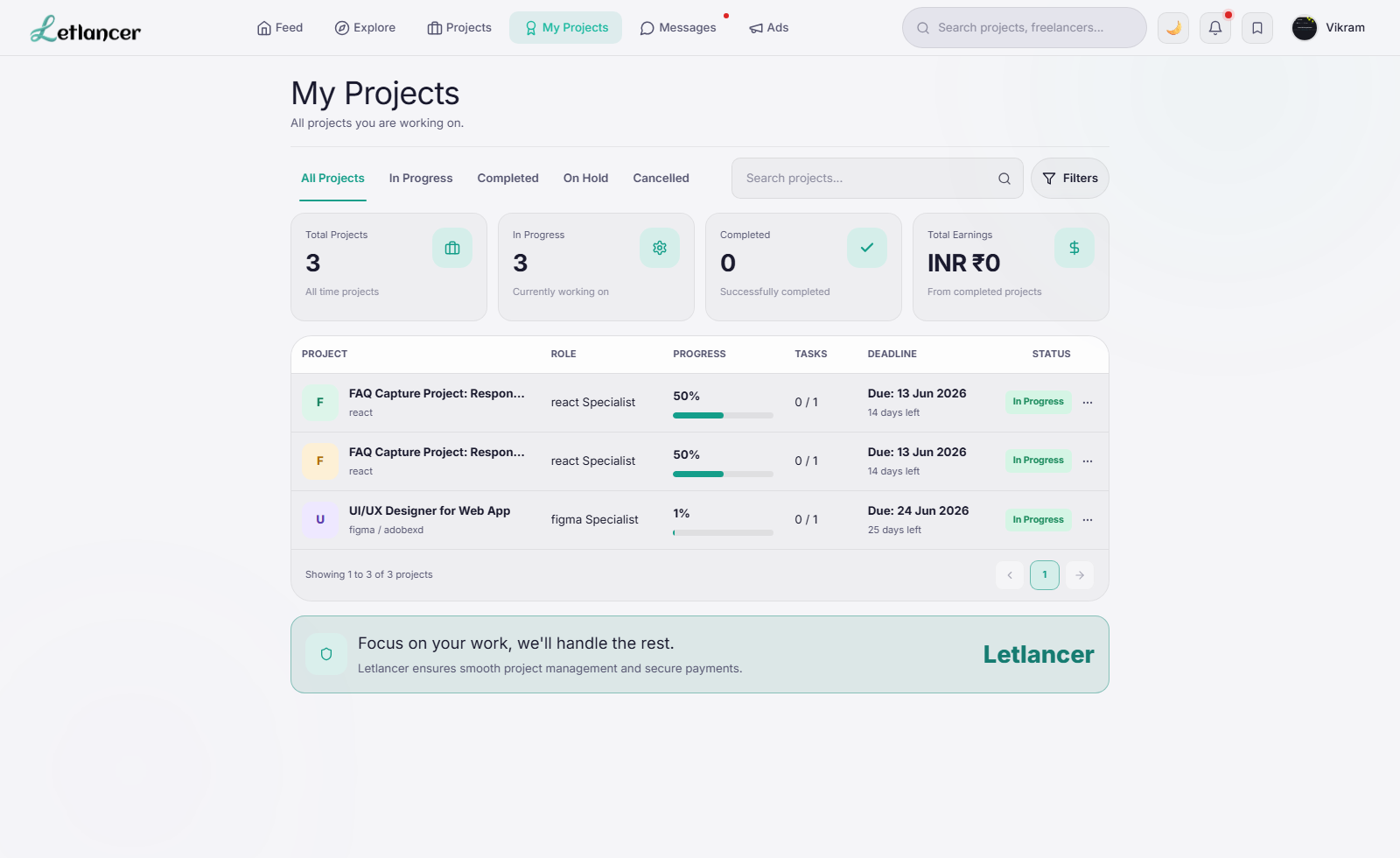
Route: #my-projects
Review progress, tasks, status, and deadlines.
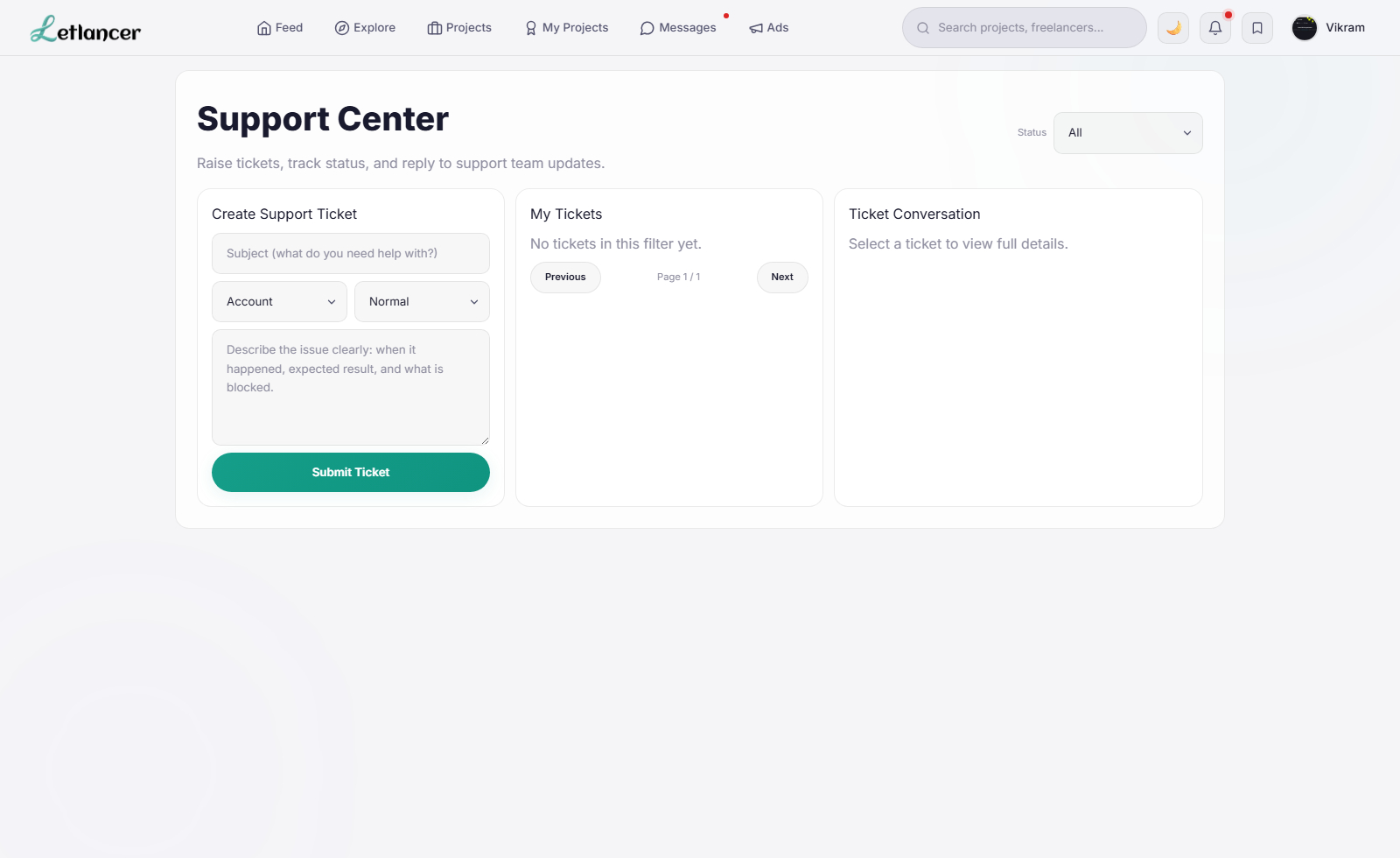
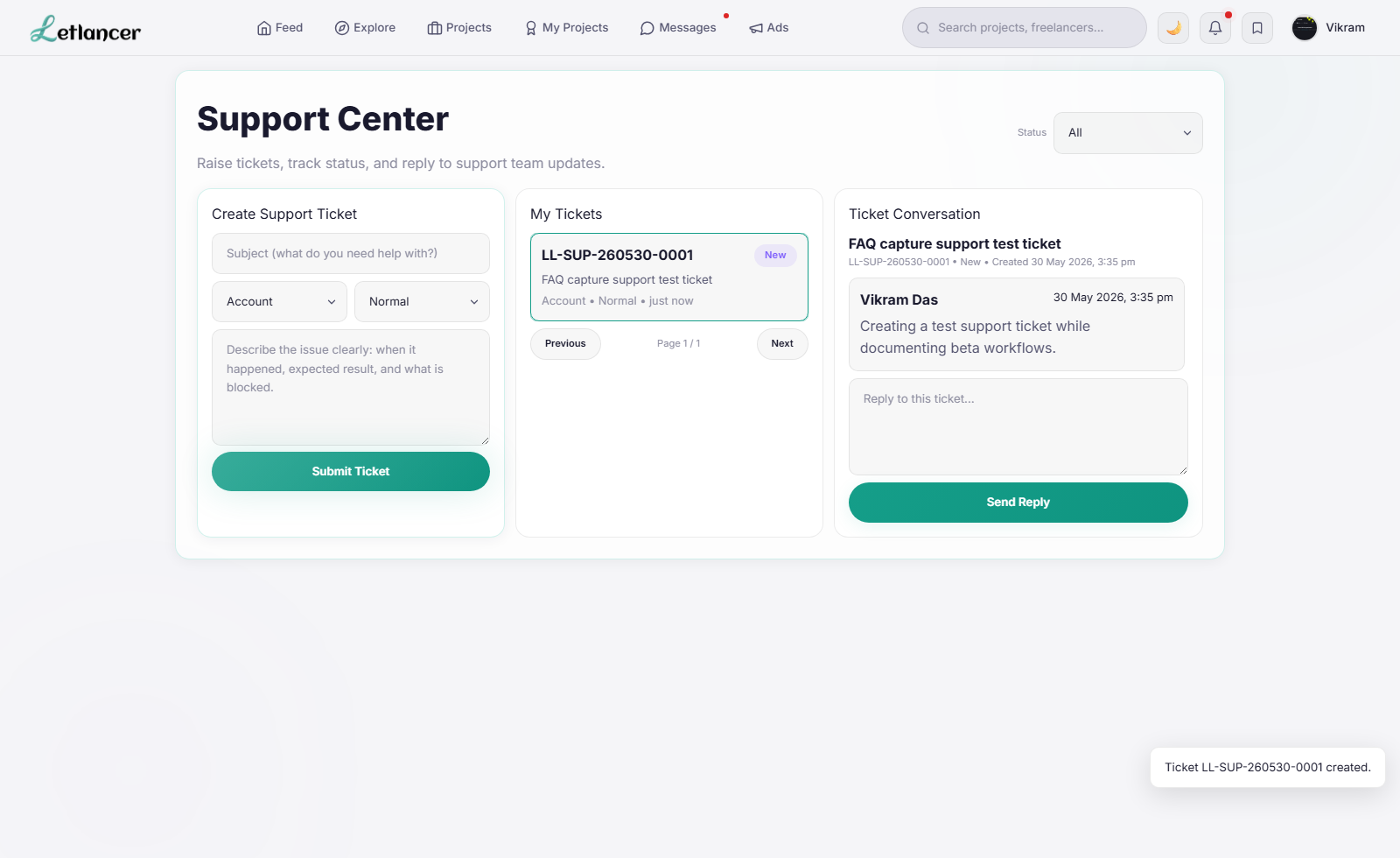
Route: #support
Create, track, and reply to support tickets.
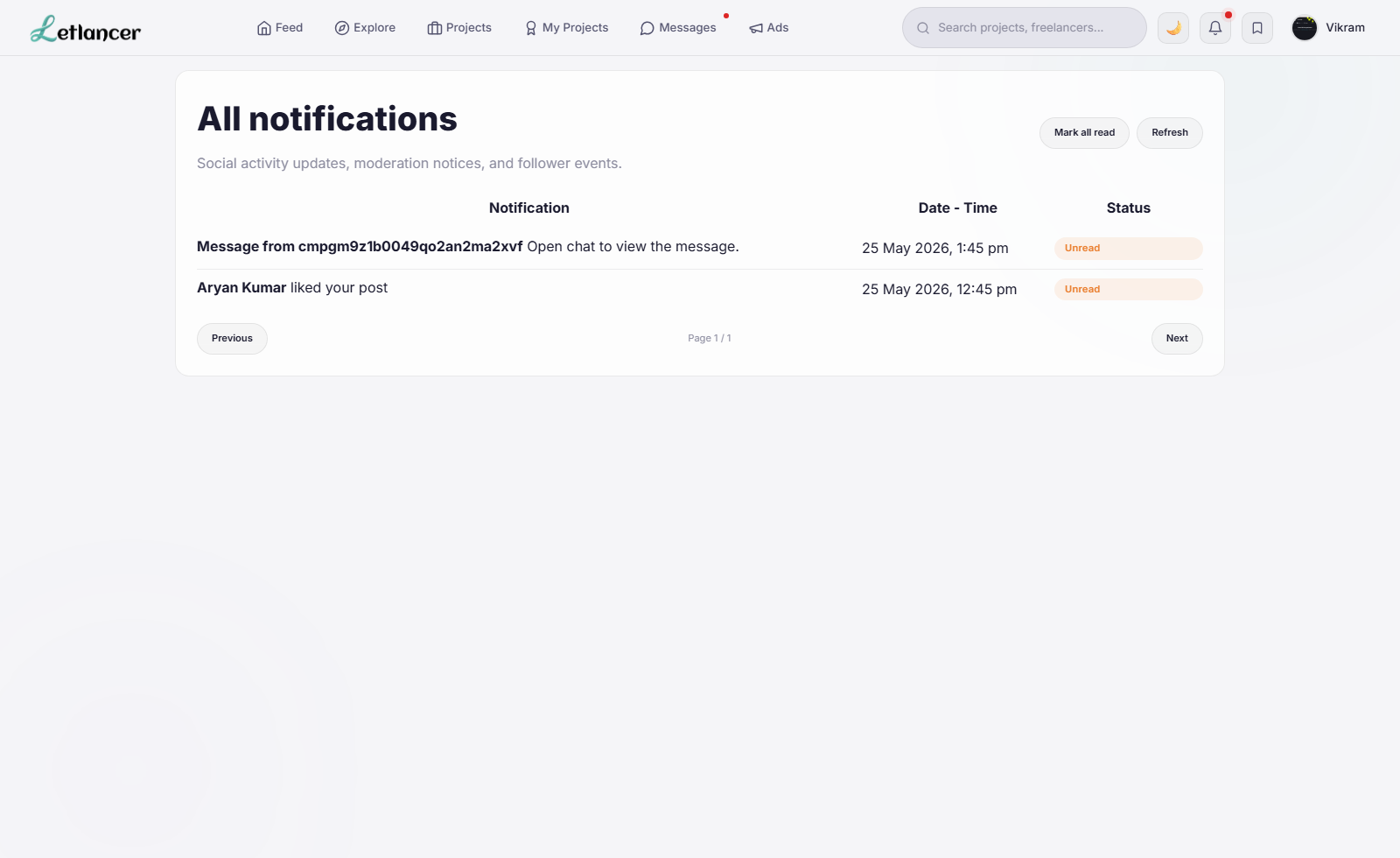
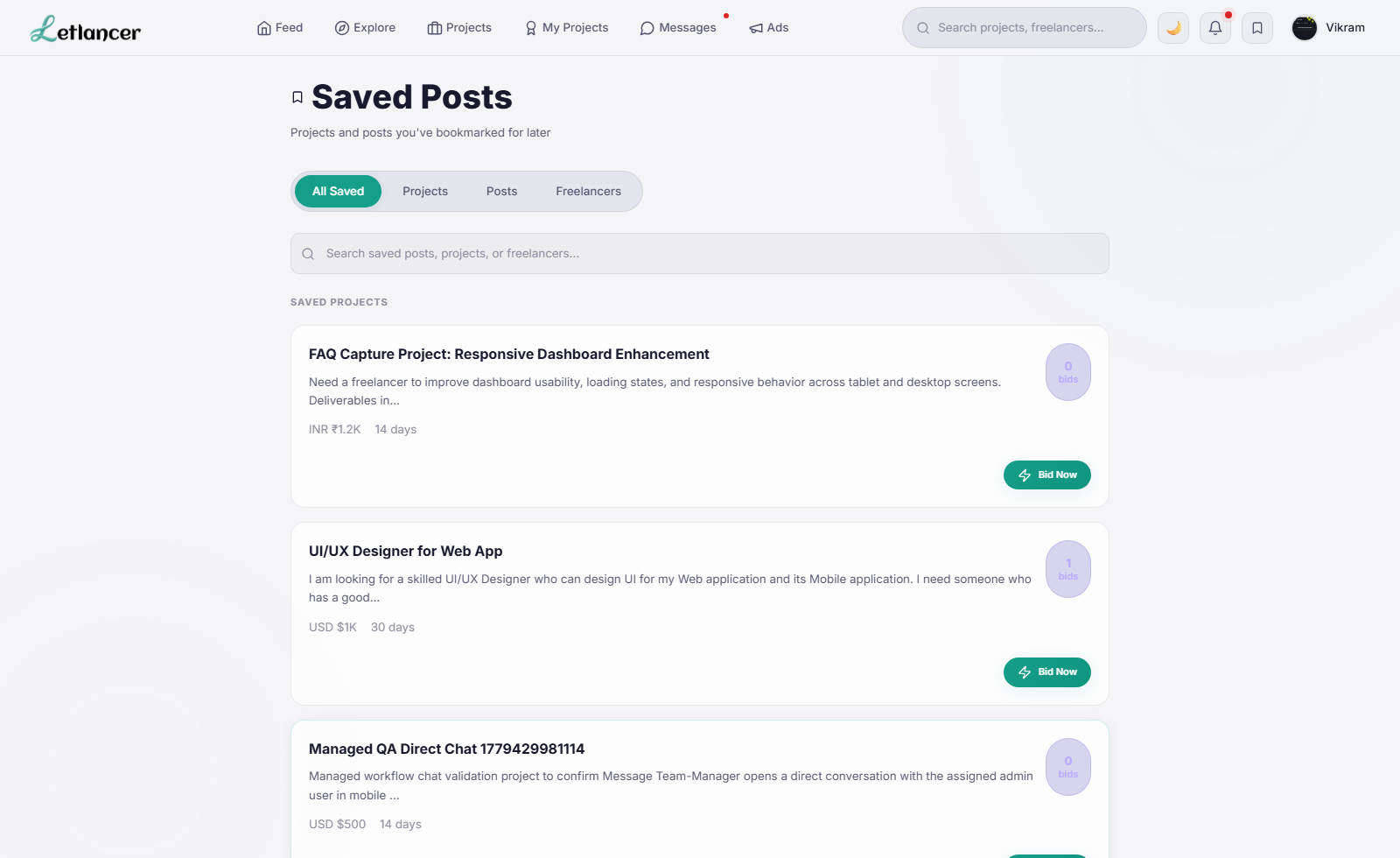
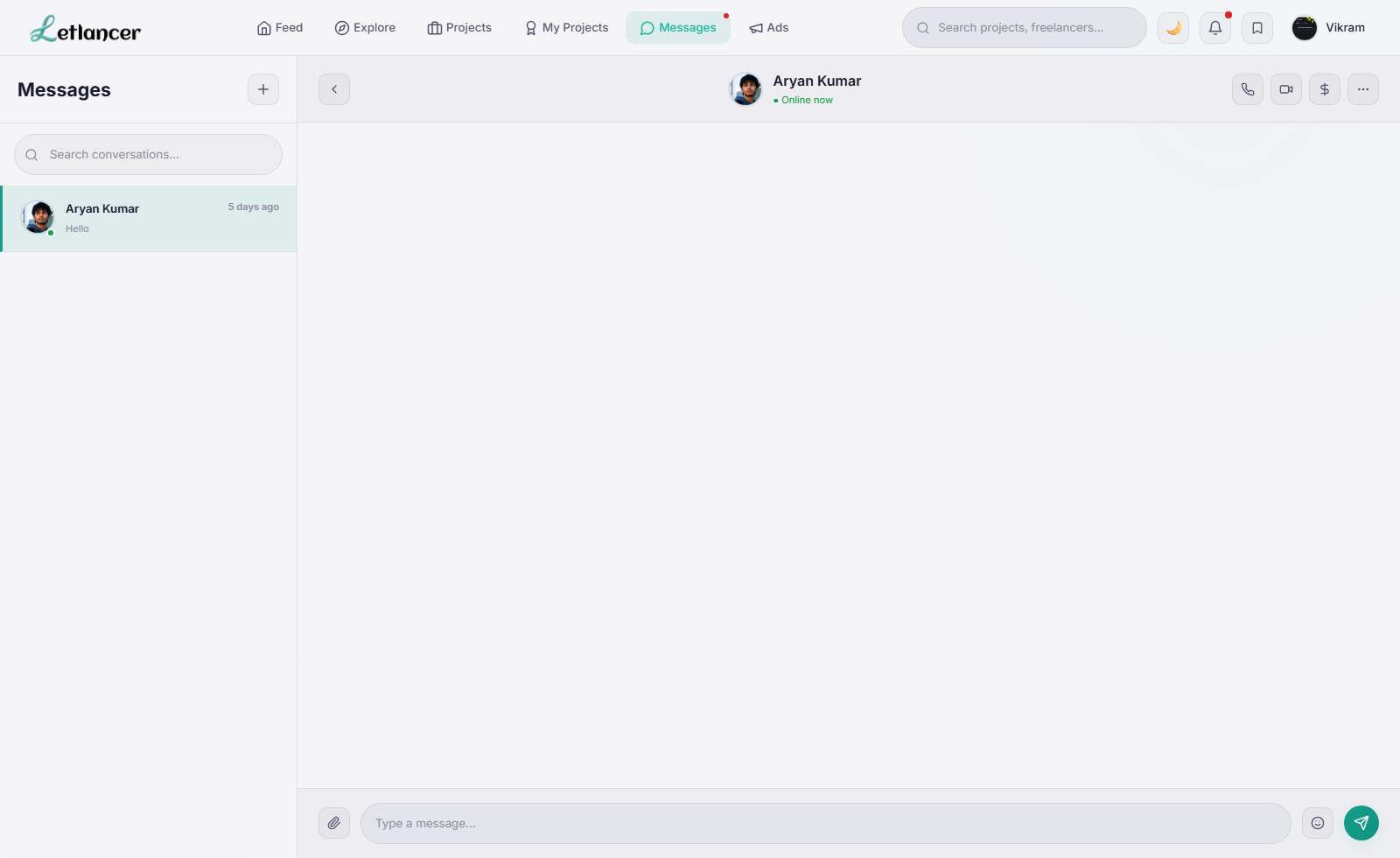
Route: #notifications/#saved/#messages/#settings/#ads
Access secondary productivity and account workflows.
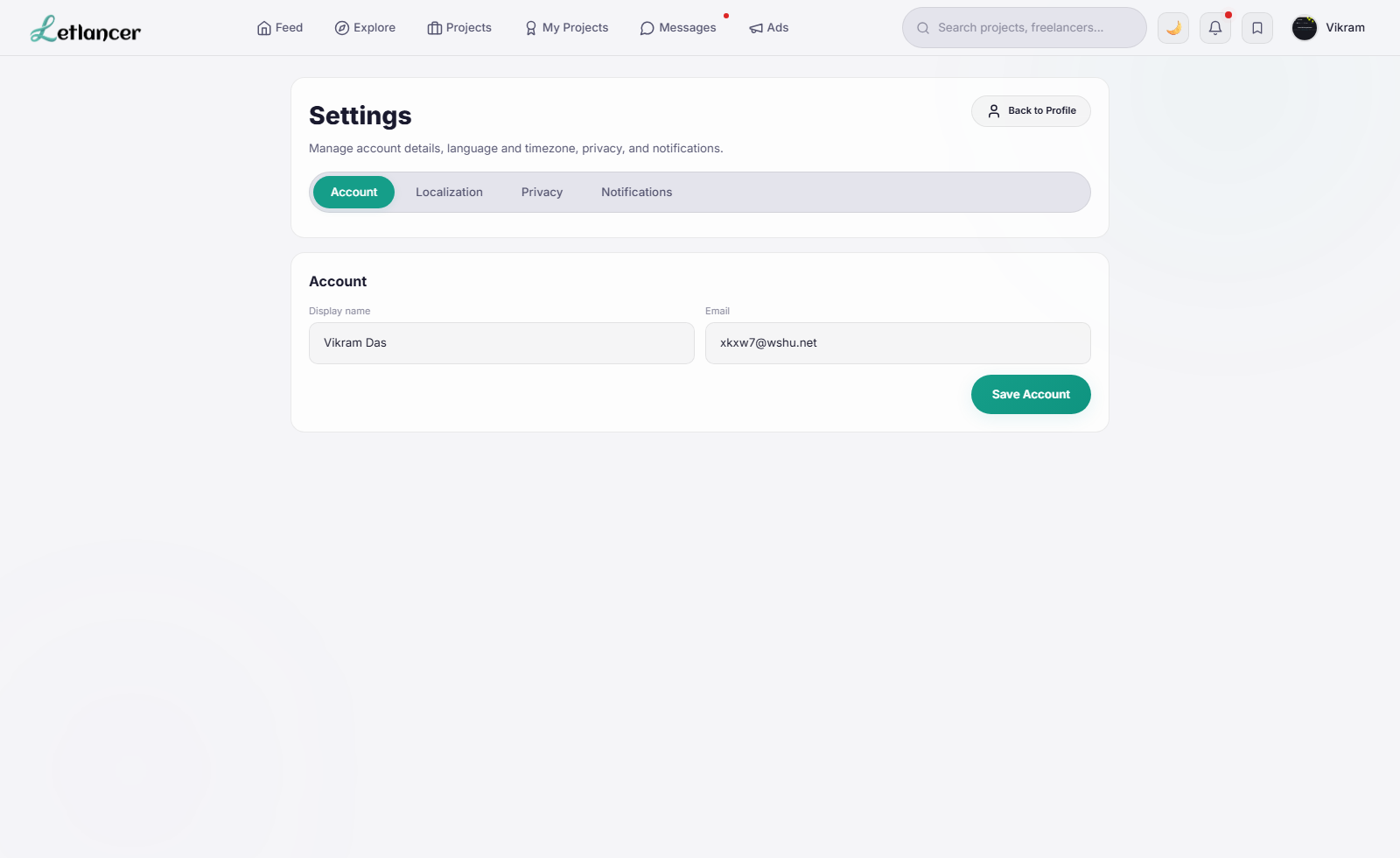
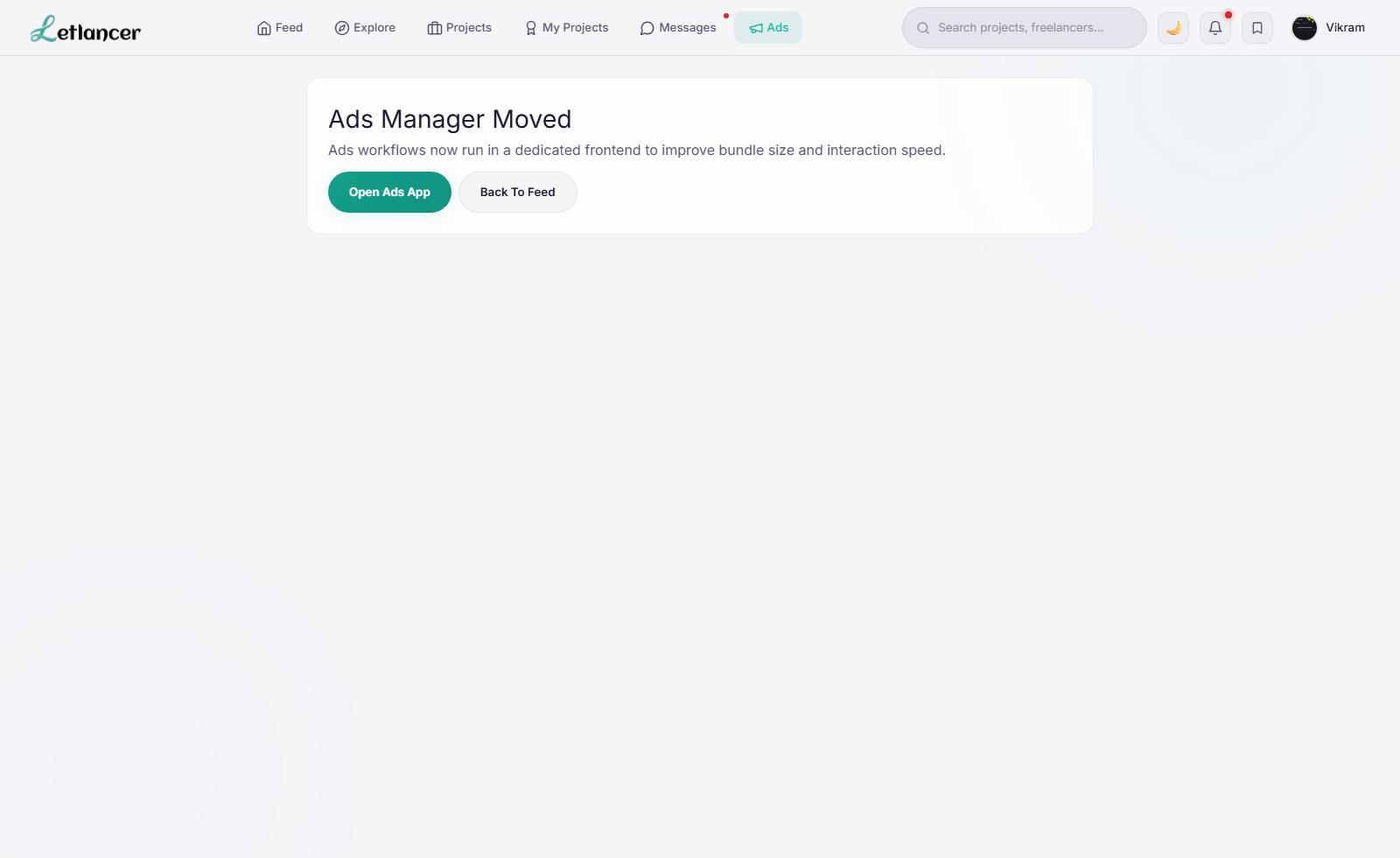
Discover projects, submit proposals, update profile, and communicate with clients.
Route: #feed / #explore
Discover opportunities and suggested profiles.
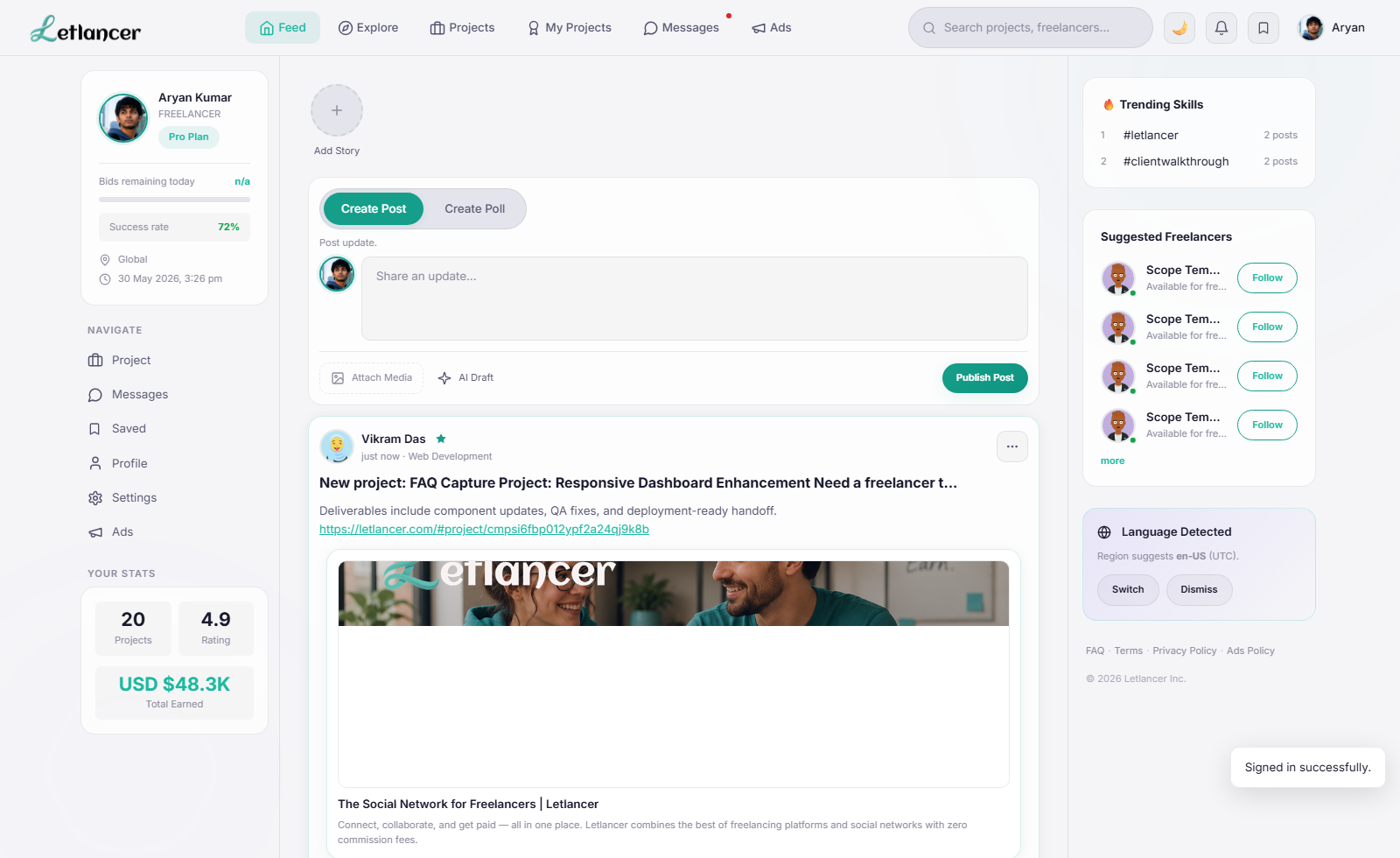
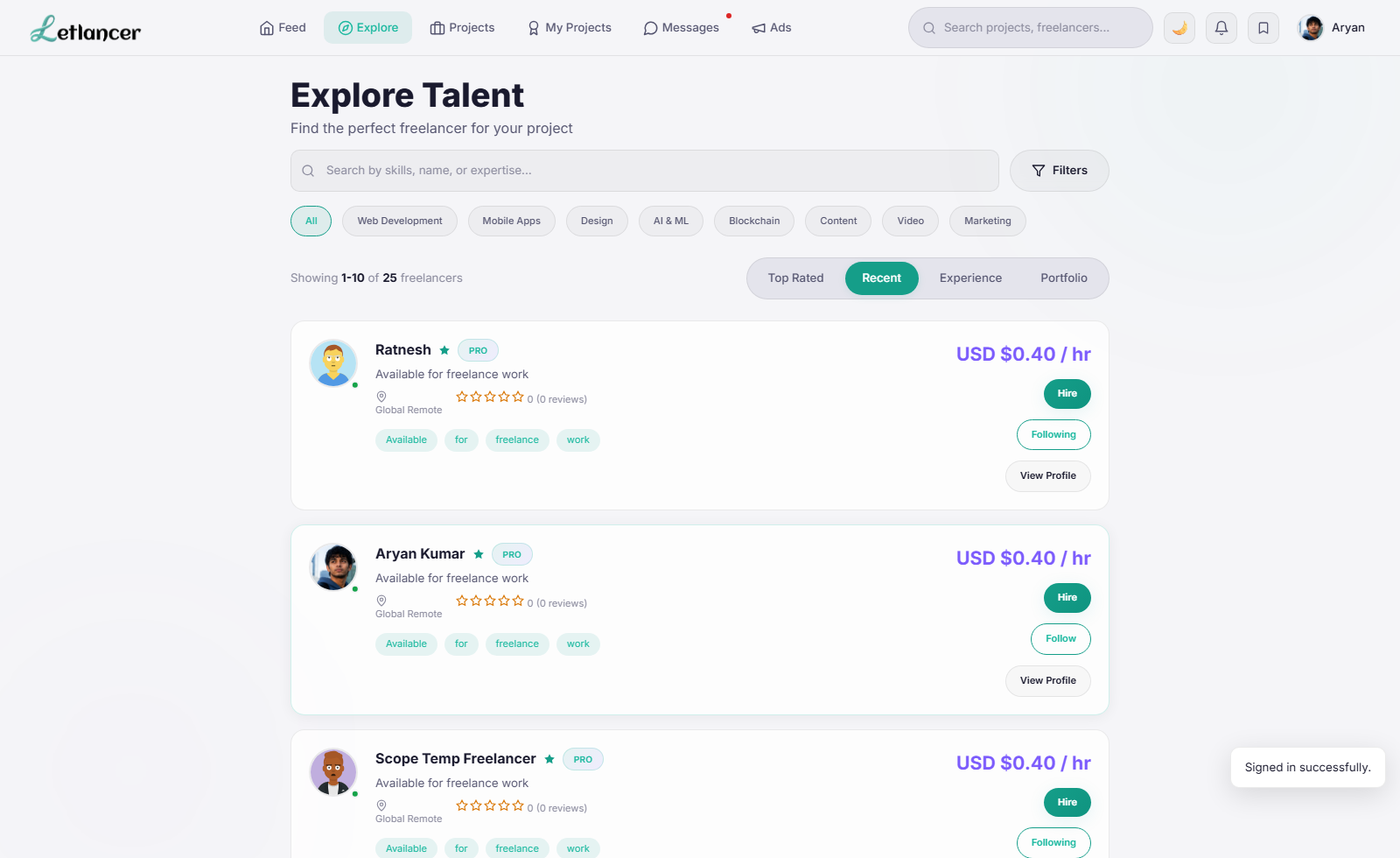
Route: #project
Bid with amount, delivery plan, and proposal note.
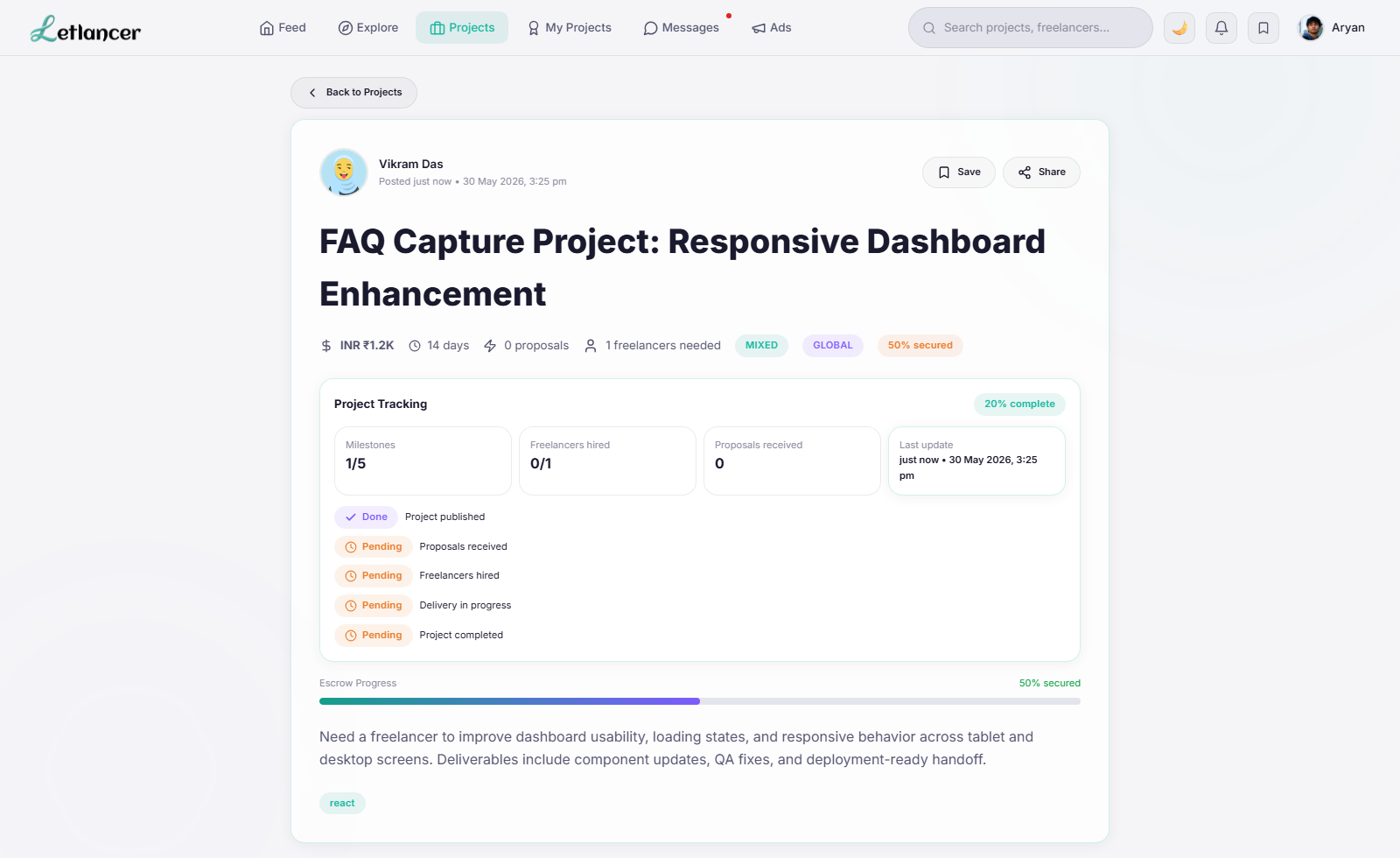
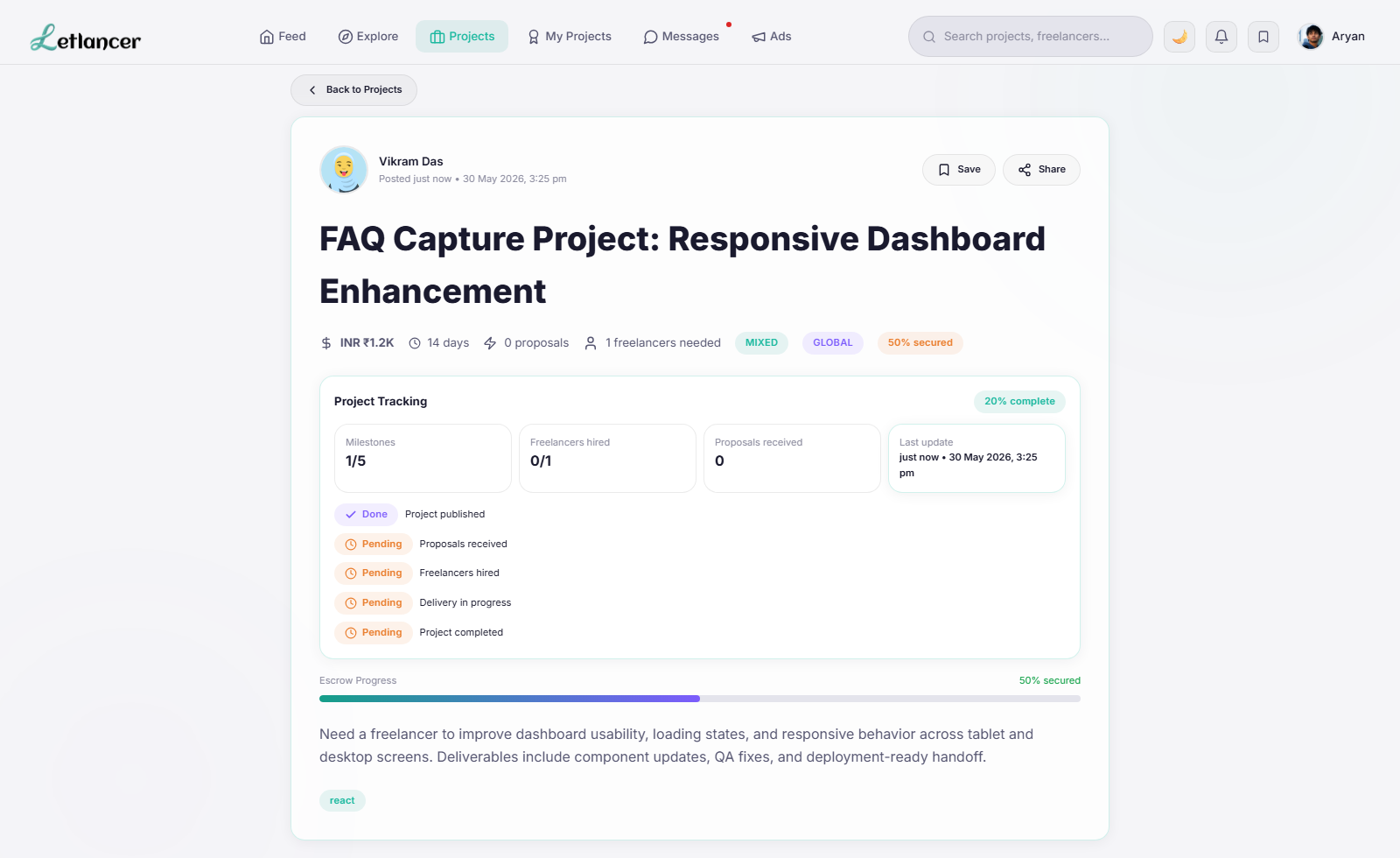
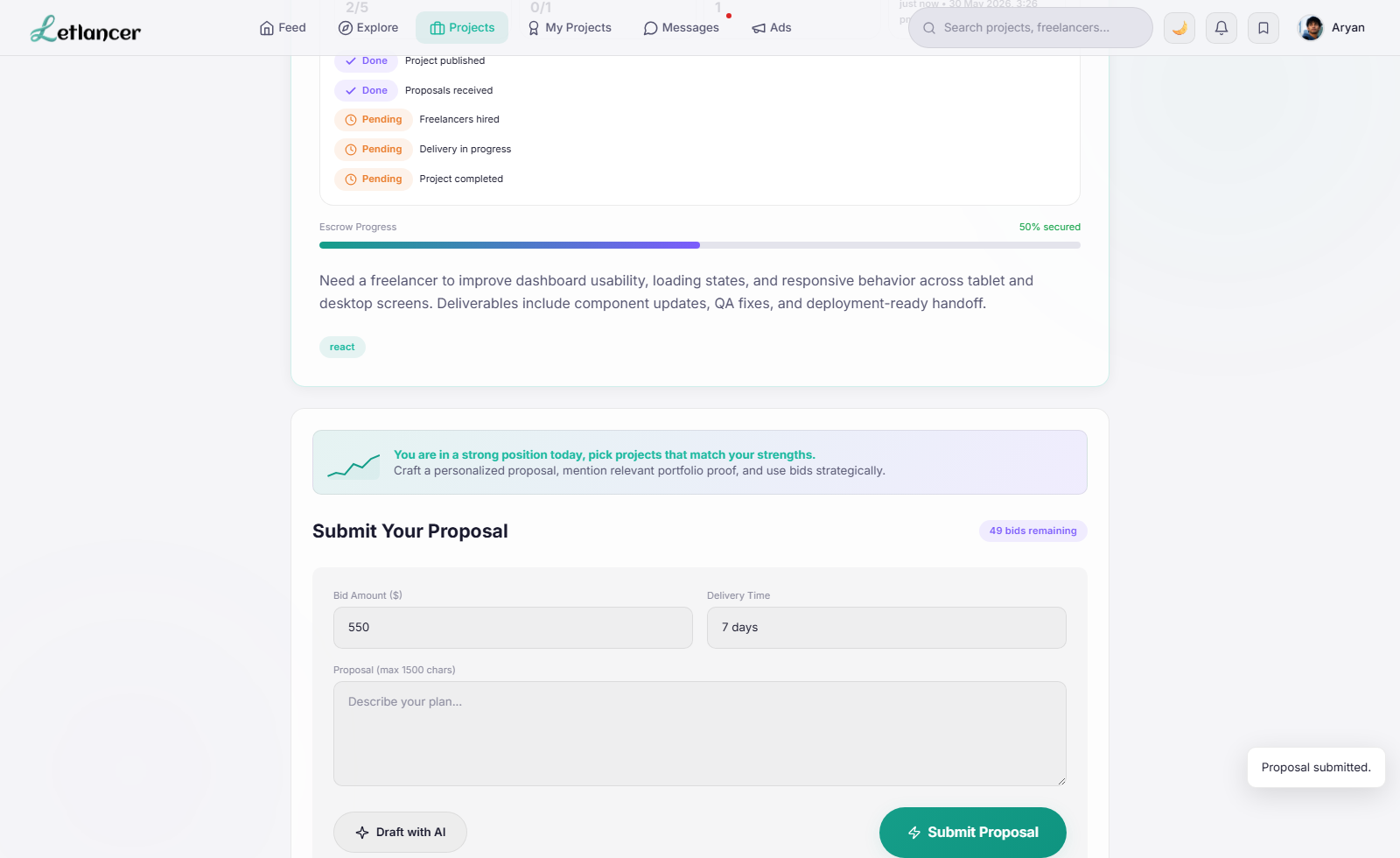
Route: #feed
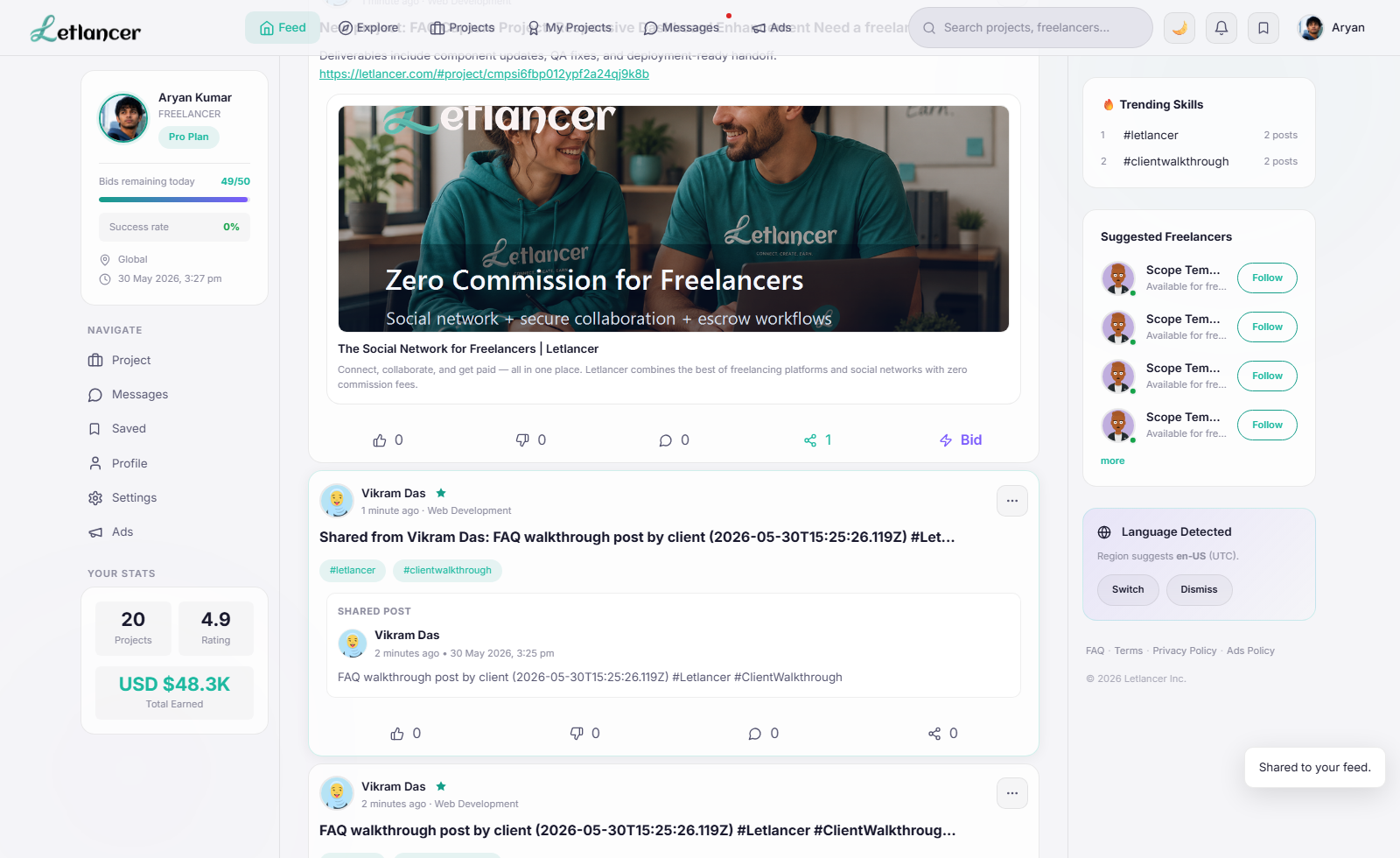
Re-share relevant content with audience controls.
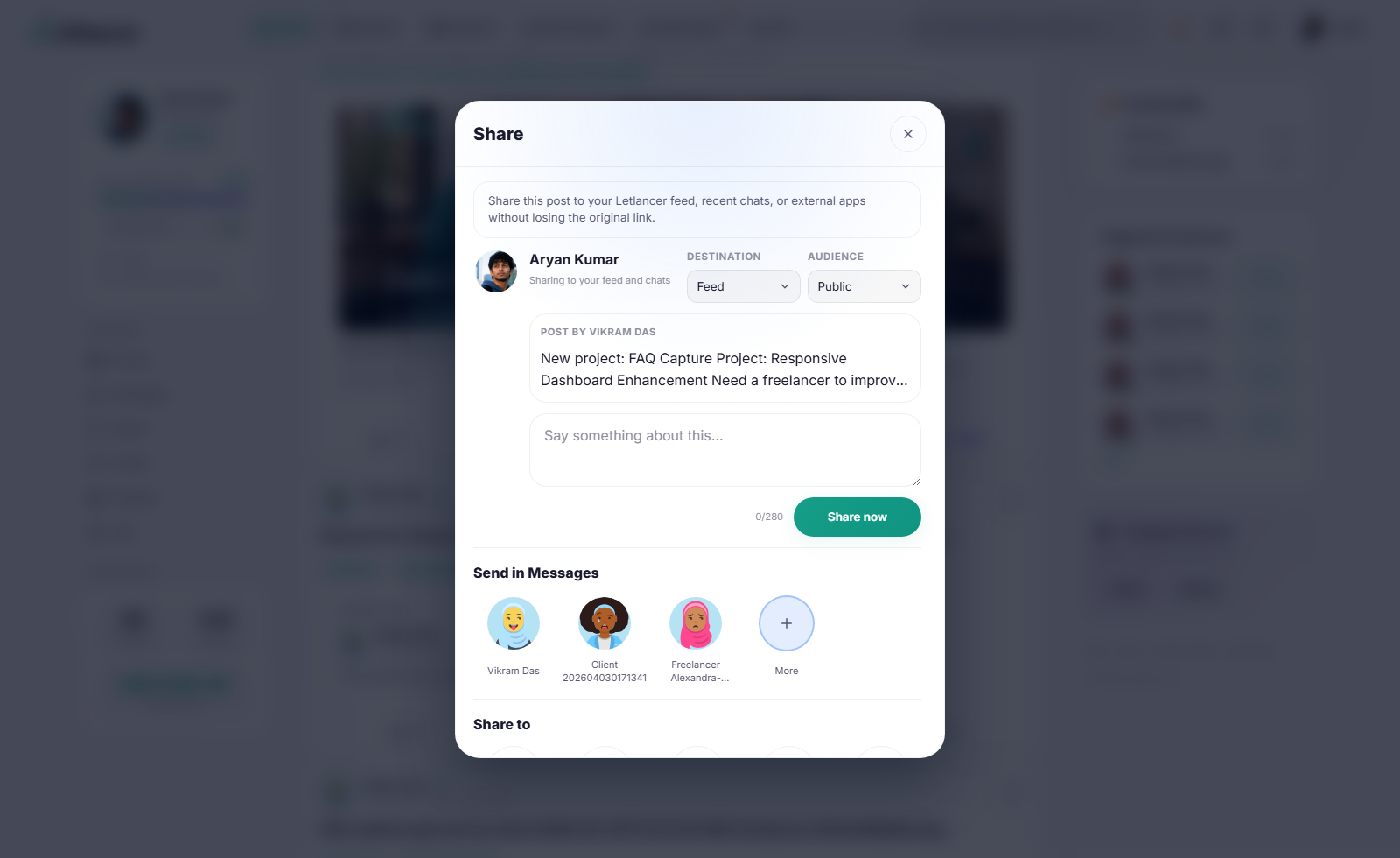
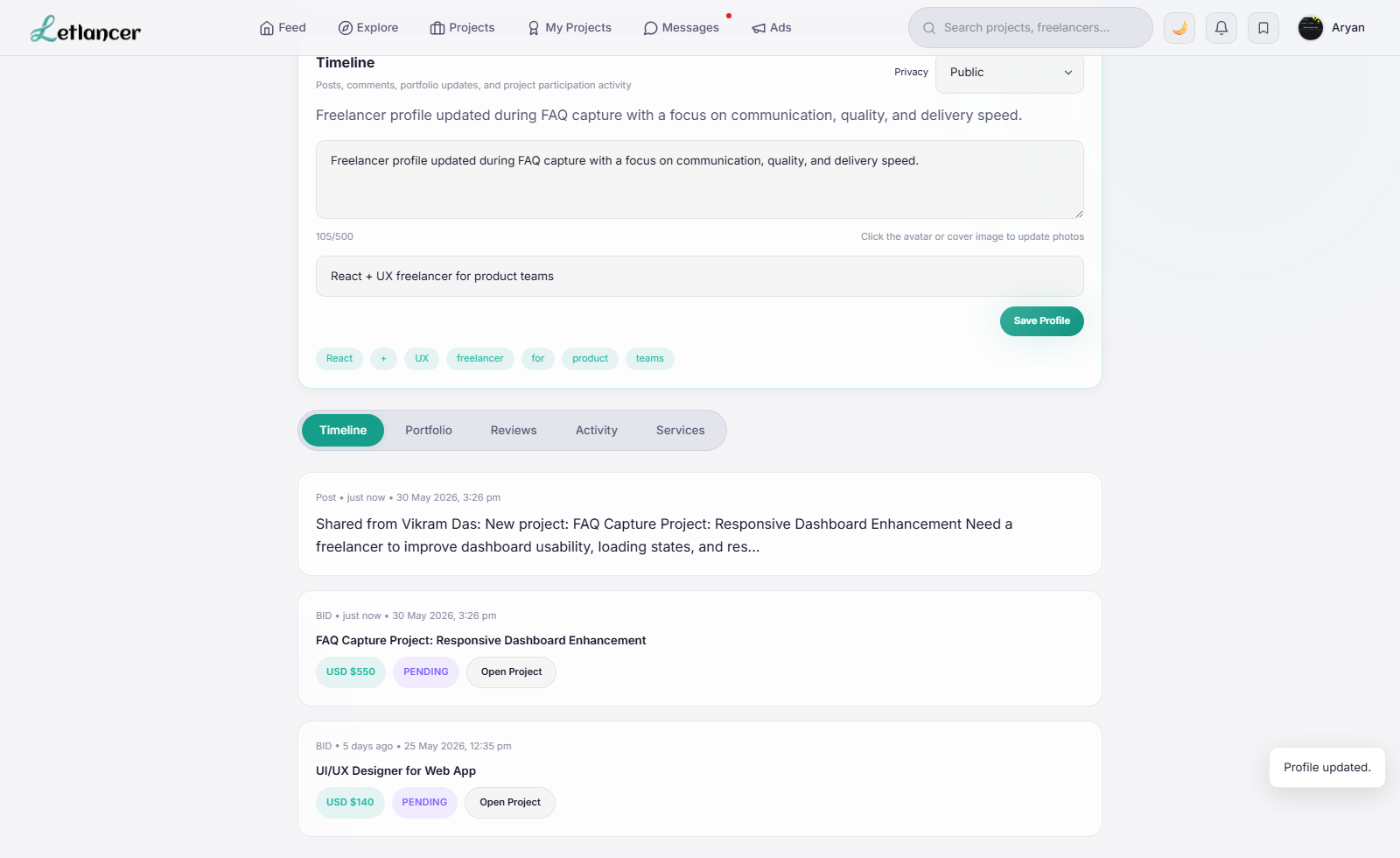
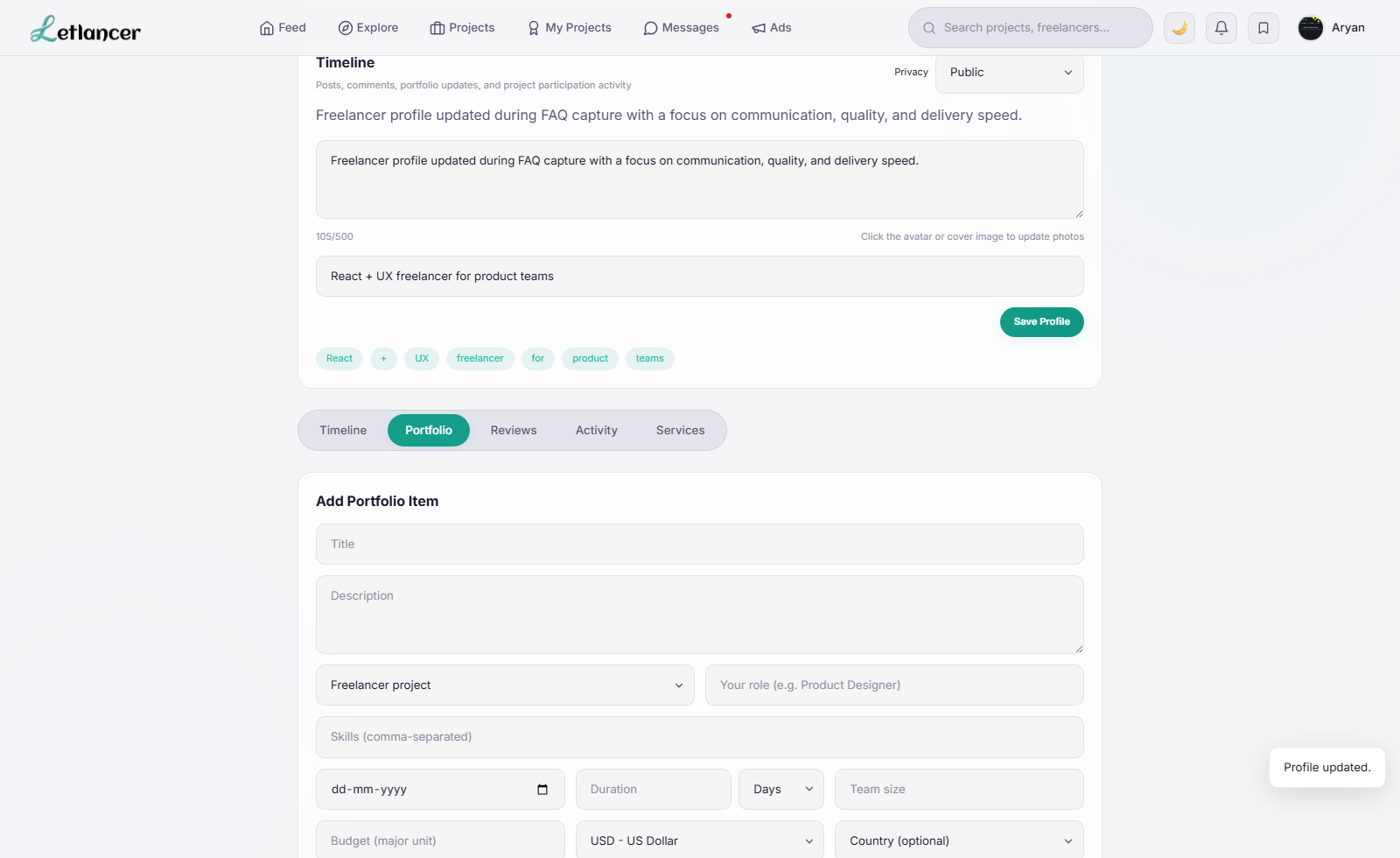
Route: #profile
Refresh profile details and manage portfolio entries.
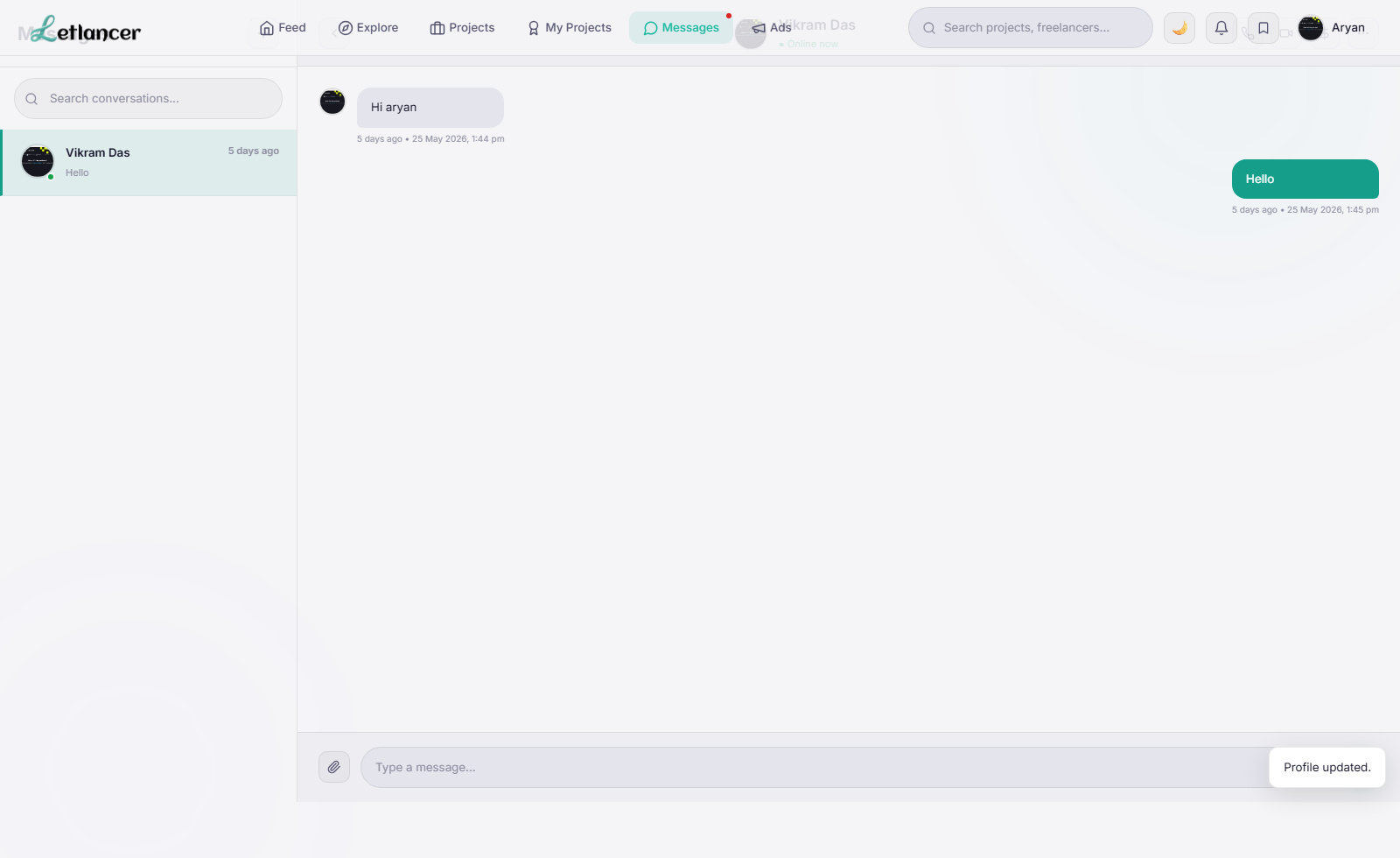
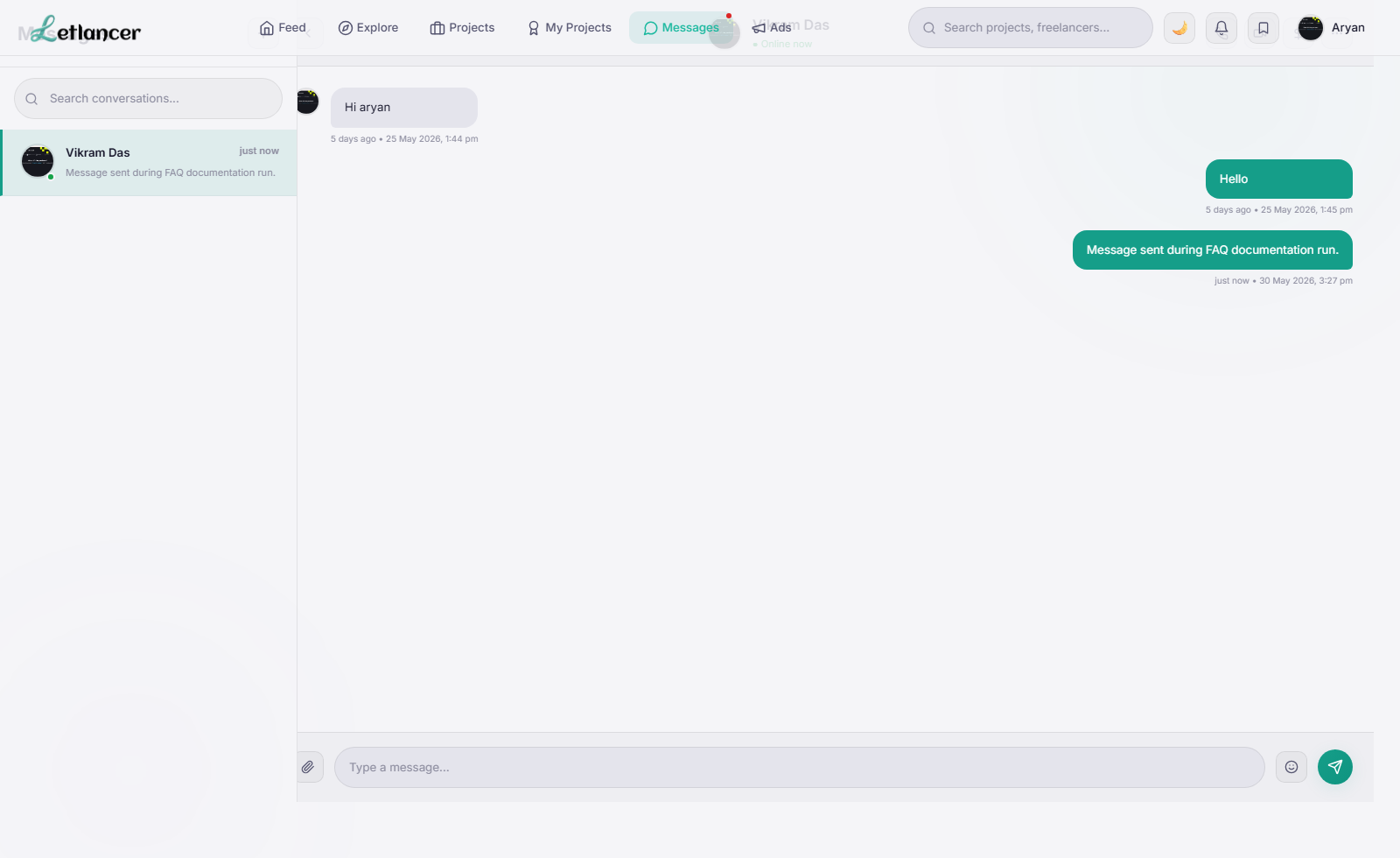
Route: #messages
Open chats and send text/media updates.